Most small businesses that try Google Ads fall into the same trap. They set up a campaign, choose some keywords, write a couple of ads, and then sit back and wait for the leads to roll in. When the results are underwhelming, they either throw more money at it or give up entirely, convinced that PPC "doesn't work."
This article is part of my small business guide to Google Ads.
The truth is that PPC does work. But it only works when you treat it as an ongoing process, not a one-time setup. I've managed Google Ads campaigns for small businesses across a wide range of industries, and the single biggest difference between accounts that generate a real return and accounts that bleed budget is consistent, structured optimisation.
This guide walks you through the key steps to optimise your PPC campaigns, whether you're running them yourself or want to understand what your agency should be doing on your behalf.
What Is PPC and Why Does Optimisation Matter?
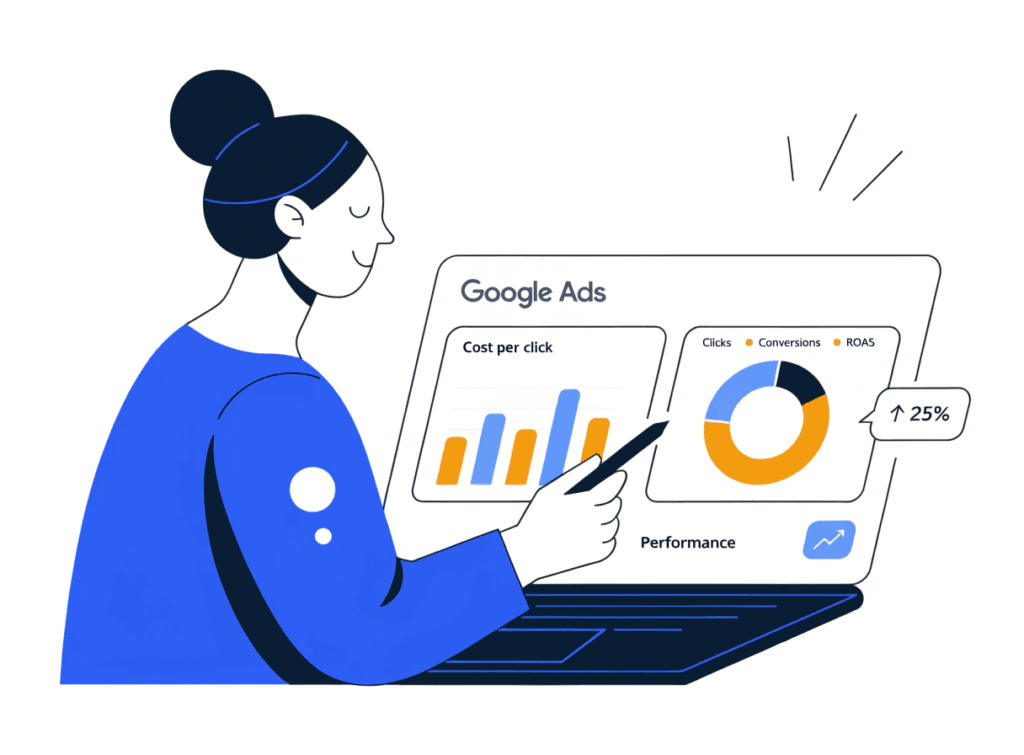
PPC stands for Pay-Per-Click. It's an online advertising model where you pay a fee each time someone clicks on your ad. Google Ads is the most widely used PPC platform, placing your ads at the top of search results when someone searches for the products or services you offer, but PPC also extends to platforms like Meta (Facebook and Instagram), Microsoft Ads (Bing), LinkedIn, and YouTube.
The reason PPC appeals to small businesses is straightforward: you only pay when someone engages with your ad, you can control your budget precisely, and you can start generating visibility immediately rather than waiting months for organic rankings to improve.
But here's what many businesses miss. PPC is not a passive channel. The Google Ads algorithm rewards relevance, and relevance takes work to maintain. Costs per click have risen steadily year on year as more advertisers compete for the same search terms. If you're not actively optimising your campaigns, you're likely paying more than you need to for clicks that aren't converting at the rate they should be.
Optimisation is what keeps your campaigns efficient, competitive, and profitable.
1. Set Clear Goals Before You Touch Any Settings
This is the step most small businesses skip, and it causes problems downstream with every other decision.
Before you adjust a single bid or write a new ad, you need to be clear on what you're actually trying to achieve. Are you trying to generate phone calls? Form submissions? Online sales? Foot traffic to a physical location?
Your goal shapes everything: the campaign type you choose, the keywords you target, the landing page you send people to, and the metrics you use to judge whether the campaign is working. A service business that wants phone calls should be tracking calls. An ecommerce store should be tracking purchases and revenue. A B2B business capturing leads should be tracking form completions.
If you're not clear on your goal, you end up optimising for the wrong thing. I've seen businesses celebrate high click-through rates on campaigns that weren't generating a single qualified lead, because no one had defined what "success" actually meant.
Get this right first, and everything else becomes significantly easier.
2. Get Your Conversion Tracking Right
Once you know your goal, you need to measure it. Conversion tracking is the mechanism that tells Google Ads when someone has taken the action you care about after clicking on your ad.
Without it, you're flying blind. You can see how many clicks your ads received and how much you spent, but you have no idea which keywords, ads, or audiences are actually generating results. You can't optimise what you can't measure.
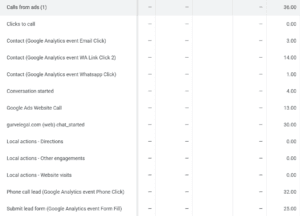
Setting up conversion tracking in Google Ads is done through the Conversions section of your account. You'll typically be tracking:
- Form submissions. When a visitor completes an enquiry or contact form.
- Phone calls. Particularly important for service businesses. Google can track calls directly from your ads or from a number on your website.
- Purchases. Essential for ecommerce, tracking both conversion volume and revenue value.
- Key page visits. Such as a thank-you page after a form submission, as a proxy for a completed action.
Linking your Google Ads account to Google Analytics 4 (GA4) gives you a much richer picture of what happens after someone clicks your ad: which pages they visit, how long they stay, and whether they return. It also allows you to import GA4 conversions directly into Google Ads.
Once your tracking is in place and data is flowing, you have the foundation to make every other optimisation decision with confidence rather than guesswork.
3. Build and Maintain a Negative Keyword List
If there's one optimisation tactic that consistently delivers fast results for small business campaigns, it's negative keywords, and it's consistently underused.
A negative keyword is a search term you instruct Google NOT to show your ad for. Without negative keywords, Google's matching algorithms will show your ads for search terms that are related to your keywords but have nothing to do with what you offer. You pay for those clicks whether they convert or not.
A few common examples of why this matters in practice:
- A plumber running ads for "emergency boiler repair" might get shown for "DIY boiler repair" or "boiler repair training course."
- A solicitor running ads for "employment law advice" might appear for "employment law dissertation help."
- A personal trainer might show up for "personal trainer salary" when they wanted to attract clients, not job seekers.
To build your negative keyword list, go to the Search Terms report in your Google Ads account (more on that below). Look through the actual search queries that triggered your ads and identify any that are clearly irrelevant. Add them as negatives at campaign or ad group level.
This is not a one-off task. Review and update your negative keyword list regularly. Aim for at least once a fortnight when a campaign is new, and monthly once it's more established.
4. Review Your Search Terms Report Regularly
The Search Terms report is one of the most valuable tools in Google Ads, and it's separate from the Negative Keywords list in terms of what it tells you.
While negative keywords prevent wasted spend, the Search Terms report can also reveal genuine opportunities you hadn't originally considered. When you see search queries that are converting well but aren't in your core keyword list, you can add them as dedicated keywords and give them proper attention, writing specific ad copy for them and potentially sending them to a more targeted landing page.
To find it, go to your campaign in Google Ads, select "Keywords" from the left-hand menu, then choose "Search terms" from the top.
Look for:
- High-spend, zero-conversion terms. Add these as negatives.
- Converting terms that aren't in your keyword list. Add these as exact or phrase match keywords.
- Brand terms from competitors. Decide whether bidding on competitor names is a strategy worth pursuing.
Running this report takes ten minutes and can make a material difference to your cost per conversion within a few weeks.
5. Use Audience Targeting and Bid Adjustments
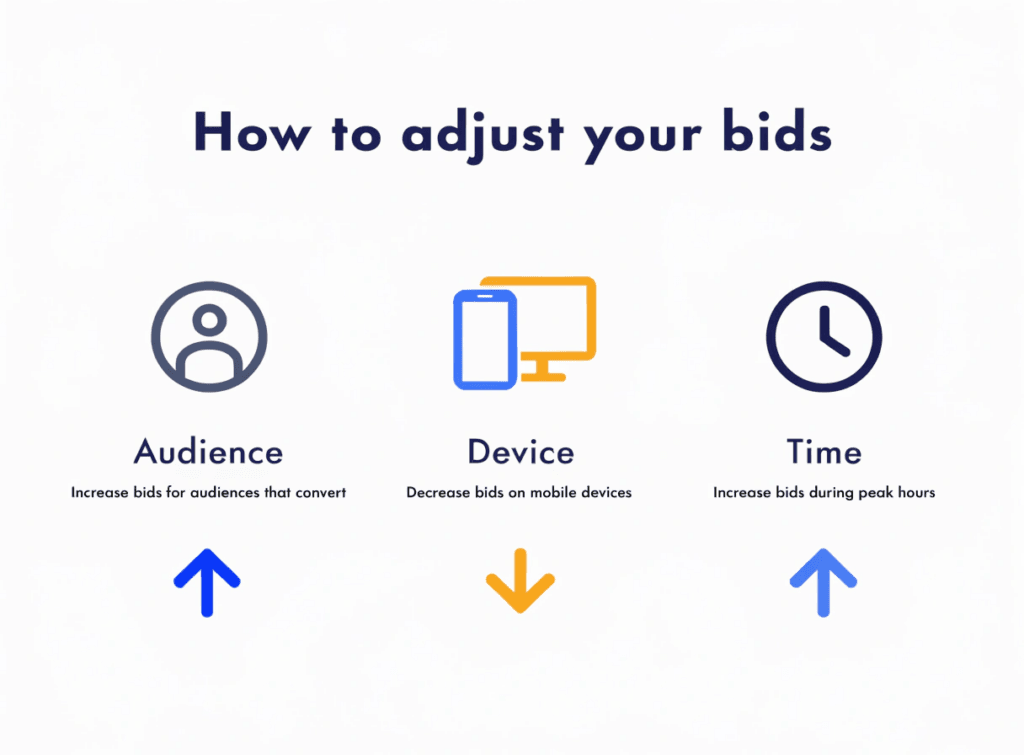
Google Ads gives you the ability to adjust how your ads are delivered based on who is searching, when they're searching, and what device they're using. These adjustments can significantly improve the efficiency of your budget.
Audience segments let you layer demographic or behavioural targeting onto your search campaigns. You can observe how different audiences perform (without restricting your reach) and then increase or decrease bids for segments that convert well or poorly. For example, if you find that people aged 35 to 54 convert at twice the rate of 18 to 24 year olds, you can bid up on that age bracket.
Bid adjustments by device are particularly useful for service businesses. If mobile traffic is converting well (people calling from their phones, for instance), increase your mobile bid. If desktop converts better for high-value enquiries, shift budget accordingly.
Dayparting. Adjusting your bids by time of day or day of the week allows you to concentrate spend during hours when your business is actually available and conversion rates are highest. If you're a local tradesperson who can't take calls on a Sunday evening, there's little point paying full price for clicks at that time.
These adjustments compound over time. Each one made on the basis of real data moves you closer to a campaign that reaches the right people at the right moment.
6. Test Your Ad Copy Continuously
Google Ads now uses Responsive Search Ads (RSAs) as the standard format for search campaigns. You provide up to 15 headlines and 4 descriptions, and Google's algorithm tests combinations to find the ones that perform best for different searches and users.
But having RSAs doesn't mean your job is done. The quality of what you put in matters enormously.
Check the Asset Detail report within each ad to see how individual headlines and descriptions are rated. Google classifies each as Low, Good, or Best. Swap out your lowest performers with new variations. Test different angles: a benefit-led headline versus a process-led one, a price-led headline versus a credibility-led one.
A few principles that tend to work well for small business ads:
- Include your main keyword in at least one headline.
- State a clear benefit or outcome, specifically what the customer gets as an outcome.
- Include a specific CTA in at least one description: "Call today for a free quote", "Get a response within 24 hours."
- Where possible, include a number such as response times, years of experience, or clients served, to add credibility.
Don't set your ads and forget them. Ad copy that performed well when you launched a campaign can become stale as competitors change their messaging or seasonal factors shift what resonates.
7. Don't Neglect Your Landing Pages
The most common reason PPC campaigns underperform has nothing to do with the ads themselves. It's the page people land on after they click.
If your ad promises a specific service such as "Emergency Plumber in [City]", and the click takes someone to your homepage, you've broken the connection between the ad and the expectation it created. The visitor has to work to find what they were promised. Most won't bother.
Your landing page needs to:
- Match the message in the ad. If the ad mentions a free quote, the landing page should lead with a free quote offer.
- Have one clear call to action. Not three. Not a general contact form buried at the bottom. One prominent, obvious next step.
- Load fast. Page speed is especially critical on mobile. A one-second delay in load time can reduce conversions significantly. Test your page with Google's PageSpeed Insights.
- Build trust quickly. Reviews, accreditations, and photos of real work or real people reduce hesitation and increase the likelihood that someone picks up the phone or fills in the form.
If you need to build or improve landing pages that convert, the web design services and PPC management at SoNick Marketing are built around exactly this: ads and pages designed to work together, not in isolation.
8. Use Smart Bidding Wisely (But Only Once You Have the Data)
Google's automated bidding strategies (Target CPA, Target ROAS, and Maximise Conversions) are genuinely powerful when used at the right time. The problem is that many small businesses switch to them too early.
Smart bidding works by using machine learning to adjust your bids in real time based on signals like device, location, search query, time of day, and audience behaviour. But the algorithm needs data to learn from. If your account has fewer than 30 to 50 conversions per month, automated strategies will struggle to find patterns and can actually perform worse than a manual approach.
My recommendation is to start with manual CPC bidding or Enhanced CPC while your campaign gathers conversion data. Once you have a consistent volume of conversions flowing in, transition to a smart bidding strategy with a realistic target based on your actual historical CPA or ROAS, not an aspirational number.
Smart bidding is not a shortcut. It's a tool that amplifies the quality of your setup. If your tracking is poor, your keywords are vague, or your landing pages aren't converting, smart bidding will optimise efficiently toward the wrong outcomes.
When to Get Professional Help
PPC optimisation is genuinely manageable if you have the time, the inclination to learn, and a campaign that's relatively straightforward. But for many small business owners, the honest answer is that the time required to do it properly is better spent running the business.
If you're spending more than a few hundred pounds a month on ads, the cost of poor optimisation almost always exceeds the cost of professional management. A well-managed campaign generates a return. A poorly optimised one generates clicks and invoices.
I offer PPC management services built specifically for small businesses: transparent, jargon-free, and focused on the metrics that actually matter to your business: leads, calls, and sales. Take a look at the PPC and Google Ads packages to see how it works.
Conclusion
Optimising a PPC campaign isn't a single task. It's a discipline. The businesses that get the best results from paid advertising are the ones that review their data regularly, make incremental improvements, and treat every piece of performance information as an opportunity to do better next time.
Start with the foundations: clear goals, solid conversion tracking, and a negative keyword list. Build from there into audience targeting, ad copy testing, and landing page improvements. And when you're ready to use smart bidding, make sure the data quality is there to support it.
If you'd like some help making sense of your Google Ads account or building a campaign that actually generates leads, get in touch and let's talk through what's possible for your business.