Most small business websites were built to exist, not to perform. They have a homepage, a contact form, maybe a few service pages — and that's it. No clear conversion path, no thought given to how someone on a mobile phone actually experiences the site, no SEO foundation to speak of. The result is a digital presence that costs money to maintain and generates very little in return.
This article is part of my small business website guide.
Good web design is the difference between a website that sits there and one that actively brings in leads. This guide covers the practices that actually move the needle in 2025 — not generic design tips, but the specific things that separate a site that converts from one that doesn't.
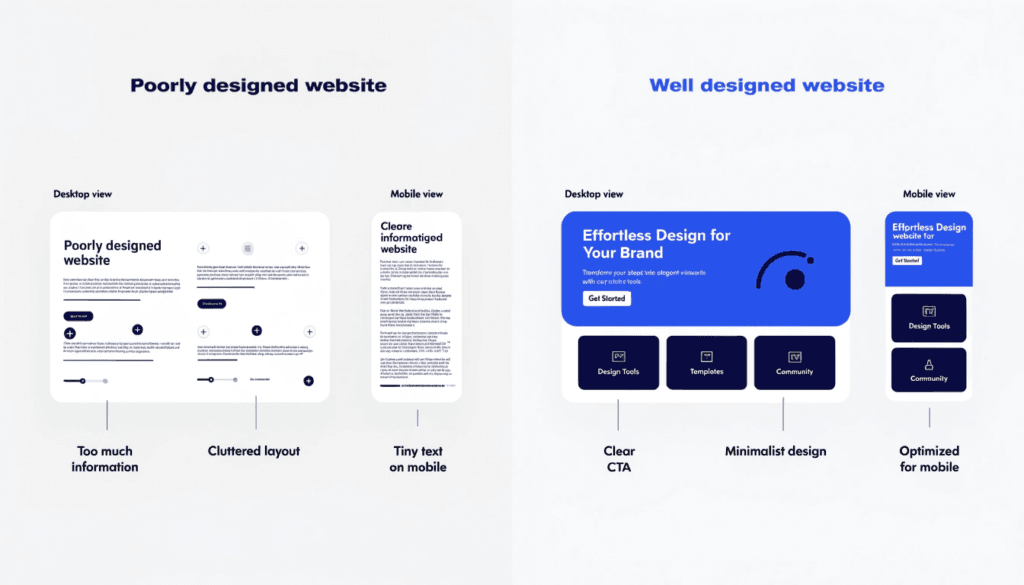
What "Good Web Design" Actually Means
When people say they want a "nice-looking website", they usually mean they want it to be visually clean and professional. That's a reasonable starting point — but it's only a fraction of what effective web design involves.
A website that works for your business needs to do several things at once:
- Load quickly on mobile devices
- Guide visitors towards a specific action (calling, booking, getting a quote)
- Rank in Google for the terms your customers are searching for
- Build trust within the first few seconds
- Communicate clearly what you do, who you serve, and why you're the right choice
None of that happens by accident. Every element of your website — layout, typography, page structure, copy, images, internal linking — contributes to whether a visitor stays and converts, or bounces and calls your competitor.
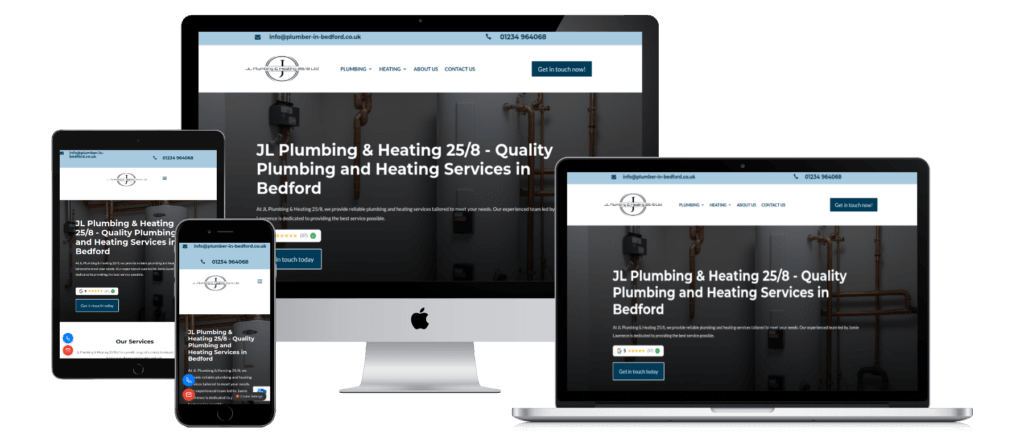
1. Mobile-First Design Is Not Optional
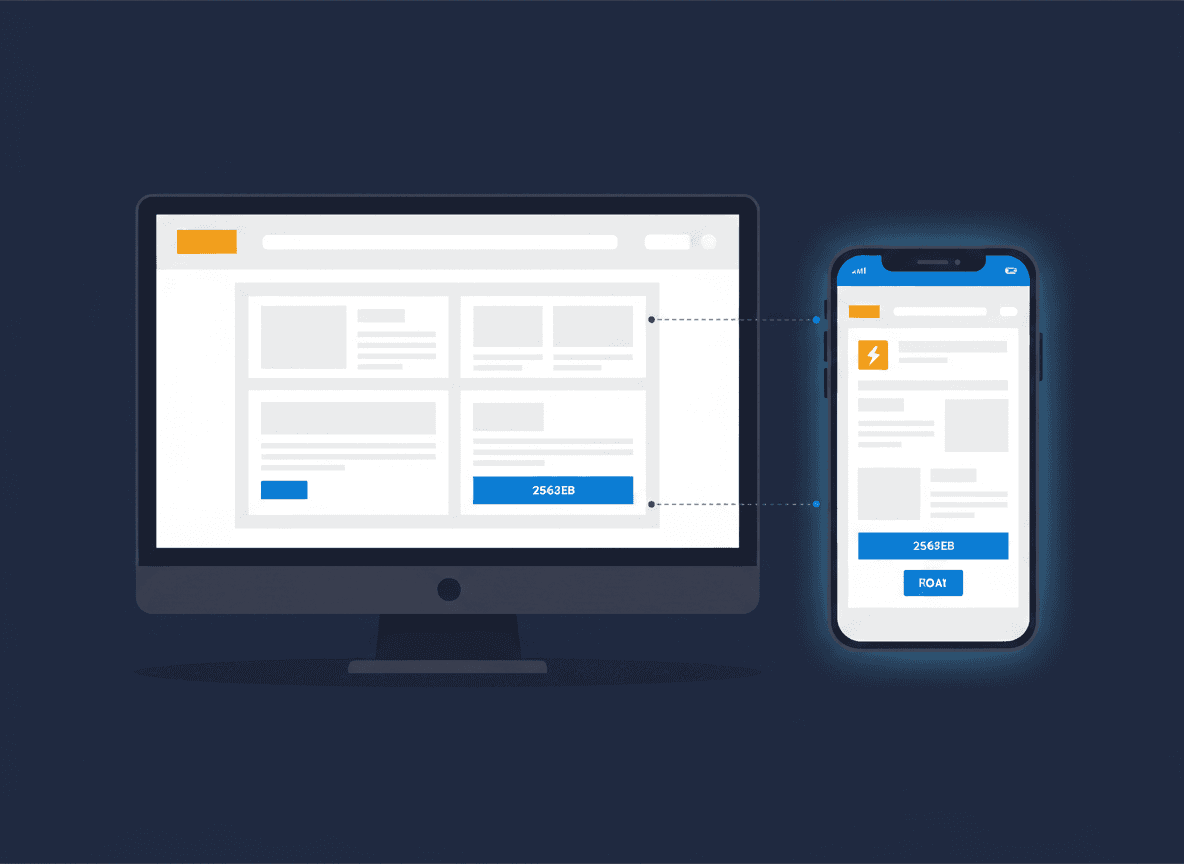
Over 60% of web traffic now comes from mobile devices. If your website was designed for a desktop and then "made to work" on phones as an afterthought, the experience for the majority of your visitors is already compromised.
Mobile-first design means starting with the smallest screen and building up, rather than the other way around. It forces you to strip the page down to what genuinely matters — the headline, the key benefit, the call to action — before adding complexity for larger screens.
There's also a direct SEO consequence. Google uses mobile-first indexing, which means it primarily crawls and ranks the mobile version of your site. A poor mobile experience doesn't just lose you leads; it actively suppresses your search rankings.
Practically, mobile-first design means:
- Text that's readable without zooming (minimum 16px body text)
- Buttons large enough to tap with a thumb
- No horizontal scrolling
- Navigation that collapses into a clean, accessible menu
- Images that load at the right size for the screen
2. Page Speed and Core Web Vitals
Users expect a page to load in under three seconds. Beyond that, abandonment rates rise sharply. Google's Core Web Vitals — a set of performance metrics including Largest Contentful Paint (LCP), Cumulative Layout Shift (CLS), and Interaction to Next Paint (INP) — are now a confirmed ranking factor.
In plain terms: if your site is slow, you rank lower and lose visitors before they've even seen your offer.
The most common causes of slow load times on small business websites are uncompressed images, too many plugins, poorly-coded themes, and unoptimised hosting. Fixing these issues isn't glamorous, but it's foundational. A site that scores well on Core Web Vitals gives you a meaningful advantage over local competitors who haven't bothered.
Key steps to improve page speed:
- Compress and serve images in modern formats (WebP)
- Use a fast, managed hosting environment
- Minimise the number of third-party scripts and plugins
- Implement caching
- Use a content delivery network (CDN) where appropriate
3. Visual Consistency and Brand Identity
Consistency in web design isn't just an aesthetic preference — it's a trust signal. When every page of your site uses the same colour palette, the same fonts, the same button styles, and the same layout logic, visitors develop an unconscious sense of reliability. When things feel inconsistent or cobbled together, that trust erodes.
For small businesses especially, your website is often the first substantial impression a potential customer forms. A visually consistent site signals that you're professional, established, and pay attention to detail — qualities that matter enormously in service industries like trades, law, and healthcare.
Consistency covers:
- A defined colour palette used throughout (not just on the homepage)
- Typography that doesn't change between pages
- Buttons and CTAs that look and behave the same way across the site
- A coherent header and footer on every page
- Image style that feels cohesive rather than a mix of stock photos and random screenshots
This is also where branding earns its keep. A strong visual identity, applied consistently across your website, makes your business memorable — and memorable businesses get recommended.
4. Calls to Action That Are Impossible to Miss
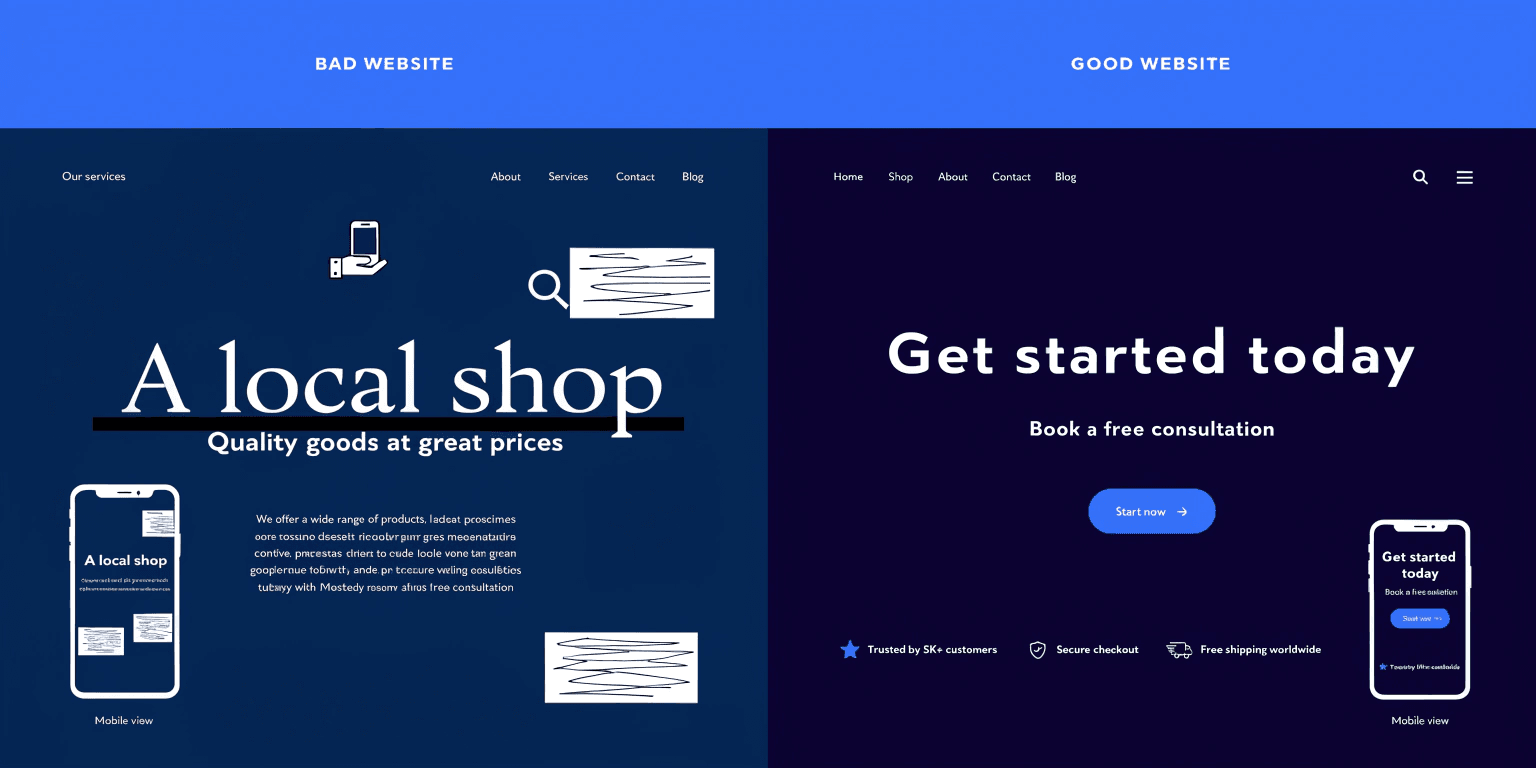
Visitors to your website won't take action unless you make it abundantly clear what action to take. This sounds obvious, but the majority of small business websites bury their contact details at the bottom of the page and never directly ask the visitor to do anything.
Every page on your site should have a clear, specific call to action. Not a vague "get in touch" tucked into the footer — a prominent, action-oriented prompt that tells the visitor exactly what happens next.
Effective CTAs:
- Use specific language: "Get a Free Quote", "Book a Call", "Request a Same-Day Callout"
- Appear above the fold (visible before the user scrolls)
- Repeat at logical intervals — after you've made your case, after testimonials, at the end of the page
- Use a contrasting colour so they stand out from surrounding content
- Link to the most relevant destination (a dedicated landing page, a booking form, a phone number)
On PPC landing pages especially, a weak CTA is money wasted. Every visitor arriving from a paid ad has a cost attached. If the page doesn't convert them, you've paid for nothing.
5. SEO Built Into the Structure From Day One
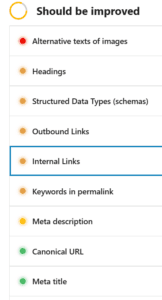
SEO and web design are not separate projects. The structure of your site, the way pages link to each other, the heading hierarchy, the page titles, the image alt text, the URL structure — all of it contributes to how well your site ranks.
Building a website and then trying to "add SEO" afterwards is significantly harder and less effective than designing with SEO in mind from the outset. By the time you realise the site structure is wrong, you're often looking at a rebuild rather than a tweak.
The core SEO elements to get right during the design phase:
- A logical site architecture with clear parent and child pages
- Keyword-informed page titles and H1 headings
- Internal linking that connects related content and distributes authority
- Clean, descriptive URLs (not
/page?id=247) - Image alt text on every image
- Meta descriptions for every page
- Schema markup where relevant (especially for local businesses — name, address, phone number)
- Fast load times (see section 2)
If you'd like to understand how your current site is performing against these criteria, run a free SEO audit — it takes under a minute and gives you a clear picture of where you stand.
6. Intuitive Navigation and Site Structure
UX pioneer Steve Krug summed up good navigation with three words: "Don't make me think." Visitors to your site should be able to find what they're looking for within a few seconds. If they can't, they leave.
Navigation problems are one of the leading causes of high bounce rates and low conversion rates on otherwise decent-looking websites. Common mistakes include overly complex menus with too many options, navigation that changes between pages, and no clear signposting to the most important pages.
For most small business websites, the navigation should:
- Include no more than five to seven top-level items
- Prioritise service pages and the contact page
- Be consistent on every page of the site
- Work cleanly on mobile (no tiny dropdown menus that are impossible to tap)
- Include a sticky header so the navigation remains visible as the user scrolls
Think about the journey your ideal customer takes. They land on your homepage, they want to know what you do and whether you're local, they want to see some evidence that you're good at it, and then they want to contact you. Every navigation decision should support that journey.
7. Trust Signals and Social Proof
A visitor who doesn't trust you will not become a customer — no matter how good your design is or how competitive your pricing is. Trust is built through evidence, and your website needs to make that evidence visible.
Trust signals include:
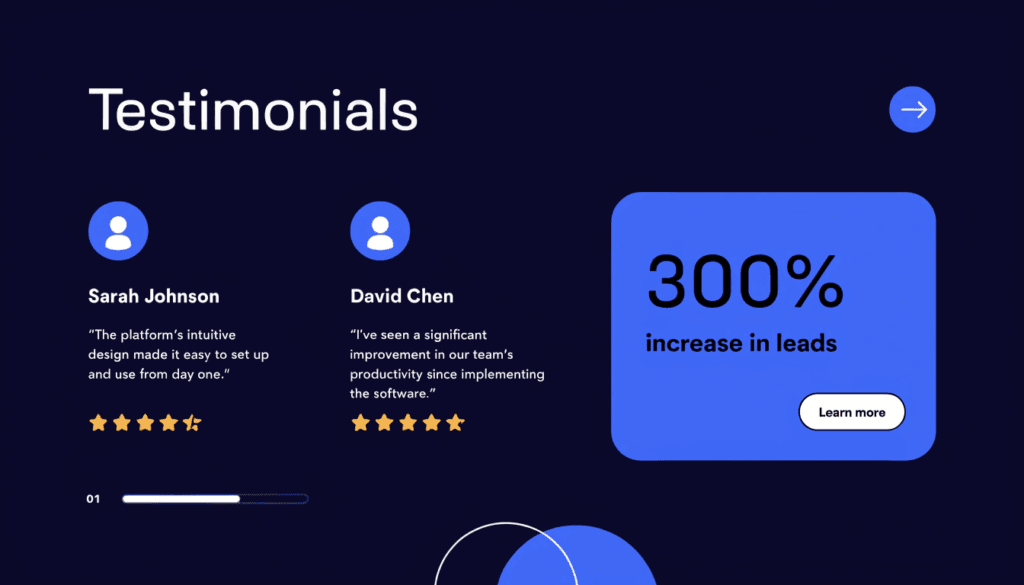
- Testimonials. Real quotes from real clients, ideally with names, locations, and — where possible — photos. Generic five-star ratings carry less weight than a specific, detailed testimonial from a named customer.
- Case studies and results. If you can show specific outcomes — traffic increases, leads generated, jobs completed — that's far more persuasive than telling people you're "experts".
- Accreditations and memberships. Trade bodies, professional associations, Google Partner badges, industry certifications — display them prominently.
- Real photography. Authentic photos of you, your team, and your work consistently outperform stock imagery. A plumber on a real job, a before-and-after of a bathroom renovation, a therapist in their actual practice — these build credibility that no stock photo library can match.
- A clear address and phone number. Particularly important for local businesses. Visitors should never have to hunt for basic contact information.
8. Storytelling Through Copy and Design
Design without copy is just decoration. Words are what persuade people to act — and most small business websites treat copywriting as an afterthought, filling pages with vague, generic text that says nothing specific about why a visitor should choose them.
Effective web copy:
- Speaks directly to the reader's situation and pain points
- Makes the benefit clear before explaining the service
- Uses specific language, not industry jargon
- Tells a coherent story across the page — problem, solution, evidence, action
- Is written for the reader's level of knowledge, not the business owner's
Design reinforces that story. The visual hierarchy — what's big, what's bold, what draws the eye first — should guide the visitor through the copy in the order you want them to read it. A headline that's visually dominant but buried halfway down the page is a wasted headline.
At SoNick Marketing, we include copywriting as standard in every web design package — because a beautifully designed site with weak copy will still underperform.
9. Content That Stays Fresh
A website is not a one-time project. Once your site is live, the work shifts to keeping it current — updating service pages when your offering changes, adding case studies as you complete new work, and publishing blog content that demonstrates expertise and drives organic traffic.
Google favours sites that are actively maintained. A site that hasn't been updated in two years sends a subtle signal that the business might not be particularly active. More practically, fresh content gives you new opportunities to rank for additional keywords and capture people at different stages of the buying process.
A realistic content strategy for a small business might include:
- One to two blog posts per month on topics your ideal customers search for
- Quarterly reviews of key service pages to ensure information is current
- New case studies or testimonials added as they're received
- Seasonal updates where relevant (e.g. a plumber adding a page on boiler servicing ahead of winter)
For a deeper look at how content fits into your wider marketing, our guide to local lead generation for small businesses covers the full picture.
Your Website Is Your Best-Performing Sales Tool — If You Build It That Way
A well-designed website doesn't just look good. It loads fast, earns Google's trust, converts visitors into enquiries, and builds the credibility that turns first-time visitors into long-term clients.
The businesses that treat web design as a strategic investment — not just a cosmetic exercise — consistently outperform those that don't. Every element covered in this guide contributes to that performance: mobile usability, page speed, visual consistency, clear CTAs, on-page SEO, intuitive navigation, trust signals, compelling copy, and regular content.
If you're not sure how your current site stacks up, run a free SEO audit for an instant picture of your site's technical performance. Or, if you're ready to build something that actually works, get in touch and let's talk through what's possible for your business.