You've spent money getting someone to your website. They browsed around, showed genuine interest, and then left without buying or getting in touch. Sound familiar?
This article is part of my small business guide to Google Ads.
Here's the thing: that happens to almost every website, almost all the time. Research consistently shows that only around 2% of visitors take action on their first visit. The other 98% leave. Most businesses just let them go.
PPC remarketing exists to fix that problem. It lets you follow up with people who've already shown interest in what you offer, showing them targeted ads as they continue browsing the web. Done well, it's one of the most cost-effective forms of paid advertising available to small businesses.
In this guide, I'll walk you through what PPC remarketing is, how it works under the bonnet, which types are available, and how to get started without overcomplicating it.
What Is PPC Remarketing?
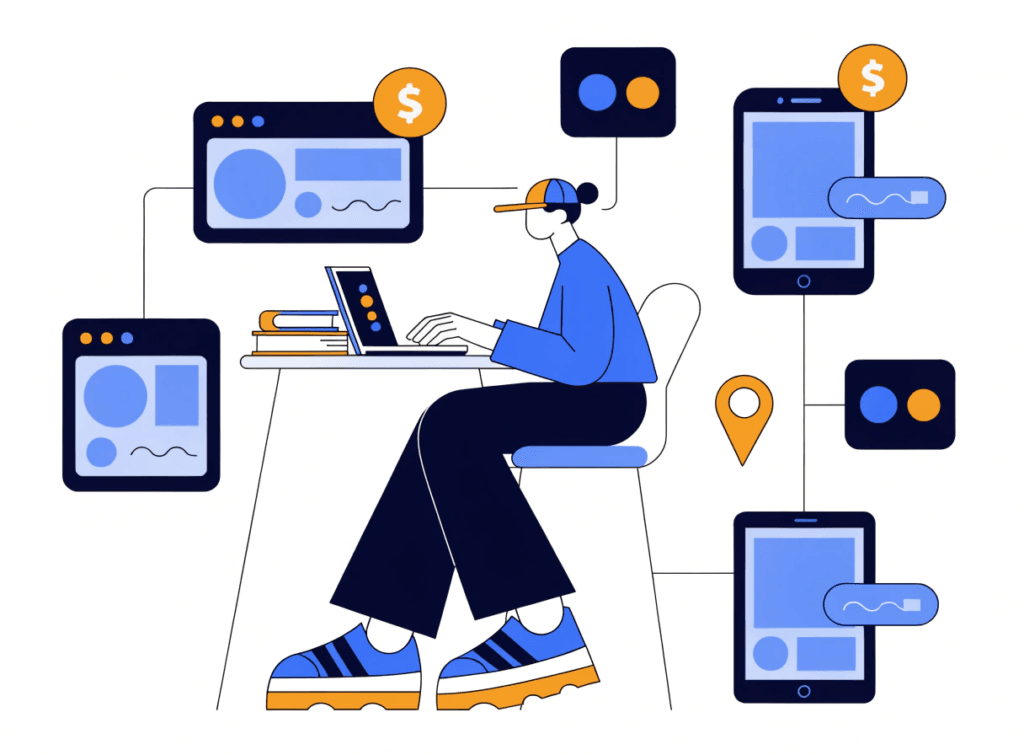
PPC remarketing is a paid advertising strategy that targets people who have previously visited your website or interacted with your business online. Rather than spending your entire budget chasing cold audiences who've never heard of you, remarketing lets you re-engage warm prospects who already know what you do.
The name is fairly literal: you're marketing to someone again, after they've already been exposed to your business once. Your original ad or organic visit got them to the site. Remarketing brings them back to complete the action.
You'll sometimes see the terms "remarketing" and "retargeting" used interchangeably. In most practical contexts, they mean the same thing. Technically, retargeting tends to refer specifically to pixel-based ad tracking, while remarketing can also include email-based re-engagement. But in the context of Google Ads and PPC, the terms are effectively synonymous.
Remarketing is available across a number of platforms, including Google Ads, Microsoft Ads, Meta (Facebook and Instagram), and LinkedIn. This guide focuses primarily on Google Ads, which remains the most widely used platform for small business PPC campaigns.
How Does PPC Remarketing Work?
The mechanics of remarketing are simpler than they might seem. Here's what happens from start to finish:
1. You install a remarketing tag on your website. This is a small piece of JavaScript code (sometimes called a pixel) that you add to your site. In Google Ads, this is called the Google Ads tag or, if you use Google Analytics 4, the GA4 tag can fulfil the same function.
2. The tag fires when someone visits your site. When a visitor lands on your website and accepts cookies, the tag adds them to your remarketing audience. It doesn't collect personally identifiable information. It simply records that someone visited a particular page.
3. You build audience lists. Within Google Ads, you can create lists based on which pages someone visited, how long they spent on your site, whether they started a checkout process, and a range of other behaviours. Each list can have its own rules.
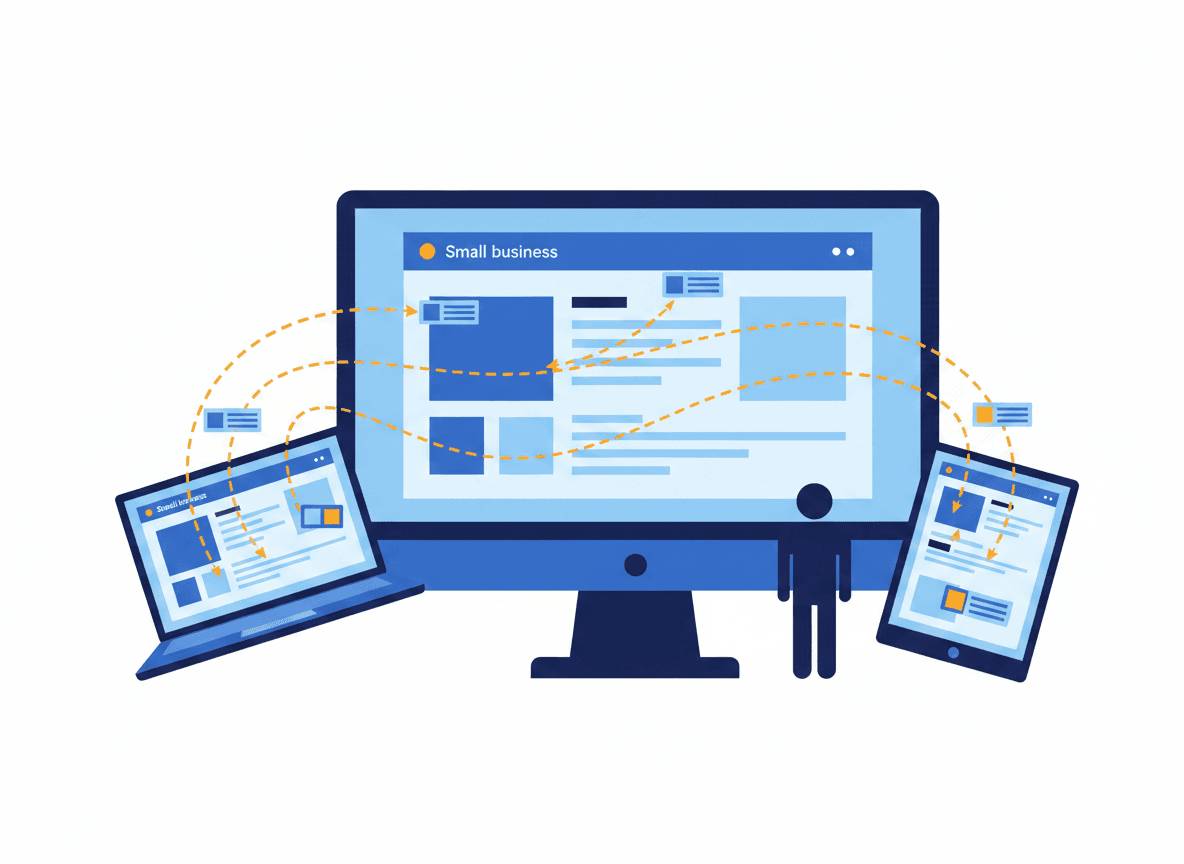
4. Your ads follow them across the web. Once someone is on your remarketing list, your ads can appear to them as they browse other websites and apps across the Google Display Network, which covers over two million sites and reaches around 90% of internet users worldwide.
5. They click and return to your site. The goal is to bring them back and nudge them towards the action they didn't complete first time: making a purchase, filling in a contact form, or requesting a quote.
The whole system runs automatically once it's set up. You set the rules, create the ads, and Google handles the delivery.
Types of Remarketing in Google Ads
Google Ads offers several different remarketing formats, each suited to different goals and business types.
Standard display remarketing. The most common type. You show banner or image ads to past visitors as they browse websites within the Google Display Network. These ads keep your brand visible and remind visitors of what you offer. Good for brand awareness and general re-engagement.
Dynamic remarketing. A step up from standard display, dynamic remarketing automatically generates ads featuring the specific products or services someone viewed on your site. If someone looked at a particular boiler on your heating supplies website and left, they'll see an ad featuring that exact boiler. This requires a product or service feed connected to your Google Ads account and works particularly well for ecommerce businesses.
Remarketing Lists for Search Ads (RLSA). This one often gets overlooked, and it's a real missed opportunity. RLSA lets you target previous visitors when they go back to Google and search for related terms. You can adjust your bids upwards for these warm audiences, or show them different ad copy that acknowledges they've visited your site before. Because these people are actively searching, the intent is high.
Video remarketing. If you run ads on YouTube or have a YouTube channel, you can remarket to people who have watched your videos or interacted with your channel. Ads can then appear on YouTube or across the Display Network.
Customer Match. If you have a list of customer or prospect email addresses, you can upload them to Google Ads. Google will match those emails to signed-in Google accounts and allow you to serve ads to those people across Search, YouTube, and Gmail.
Five types of Google Ads remarketing — tap to expand
Standard display
Banner ads across the web
Dynamic
Product-specific ads
RLSA
Search-based targeting
Standard display remarketing
The most common starting point. Image and banner ads follow previous visitors as they browse websites and apps across the Google Display Network, which reaches over two million sites and around 90% of internet users worldwide.
Good for: brand awareness, general re-engagement, and any business new to remarketing.
Dynamic remarketing
Ads are automatically generated to feature the exact products or services someone viewed on your site — so a visitor who looked at a specific product sees that product in the ad, not a generic banner.
Requires a product or service feed connected to Google Ads. Works best for ecommerce businesses with a product catalogue.
Remarketing Lists for Search Ads (RLSA)
Targets past visitors when they return to Google and search for related terms. You can bid higher for these warm audiences or show them tailored ad copy acknowledging their prior visit.
Because these people are actively searching, intent is high. A powerful complement to existing search campaigns.
Video
YouTube audiences
Customer Match
Email list targeting
Video remarketing
Re-engages people who watched your videos, visited your YouTube channel, or interacted with your content. Ads appear as pre-roll or mid-roll on YouTube, or across the Display Network.
Works best when you have an active YouTube presence. Minimum audience size thresholds apply, so smaller channels may need time to build lists large enough to serve.
- Skippable and non-skippable in-stream ads
- Bumper ads (6 seconds)
- Display ads alongside YouTube content
Customer Match
Upload a list of customer or prospect email addresses to Google Ads. Google matches those emails to signed-in accounts and serves ads to those people across Search, YouTube, and Gmail.
A minimum of 1,000 matched contacts is needed before a list becomes eligible to serve. Works well for re-engaging lapsed customers or nurturing warm leads already in your CRM.
Tap any card to expand details
Why Should Small Businesses Use PPC Remarketing?
Remarketing isn't just for large ecommerce brands with massive budgets. In my experience, it's one of the most underused tools available to small and local businesses, and it can deliver a strong return on a modest spend.
Here's why it's worth taking seriously:
Your audience is already warm. The people in your remarketing lists have already visited your website. They know who you are and what you do. That prior familiarity dramatically reduces the friction involved in converting. They don't need convincing of your existence, just a timely reminder. Studies suggest that retargeted visitors are around 70% more likely to convert than first-time visitors.
It's well-timed advertising. You're reaching people while the idea of using your service is still relatively fresh. That timing matters. A plumber who couldn't commit to a call-out last Tuesday might be ready to book this weekend, and a well-placed remarketing ad can make sure it's you they come back to rather than a competitor.
You can get very specific with your targeting. Rather than one blanket audience of "everyone who visited the website," you can create granular segments. Visitors who spent more than three minutes on your pricing page. People who added something to their cart but didn't check out. Anyone who visited your contact page but didn't submit the form. Each segment can receive messaging tailored to where they got to in their decision-making process.
It stretches your budget further. Remarketing clicks on the Display Network typically cost significantly less than search clicks. You're also spending money on an audience that has already demonstrated interest, which means less waste than cold prospecting campaigns targeting people who've never engaged with you.
The reach is substantial. Through the Google Display Network, your ads can follow previous visitors across a huge range of websites, apps, and platforms, covering desktop, mobile, and tablet. You're not limited to one channel.
If you're already running Google Ads for your business, adding a remarketing campaign on top is one of the highest-leverage things you can do to improve your overall results.
How to Set Up a Remarketing Campaign: The Basics
You don't need to be a PPC expert to get a remarketing campaign up and running. Here's the process in plain terms:
Step 1: Install the Google Ads tag on your website. Head to Tools > Shared Library > Audience Manager in your Google Ads account, and follow the instructions to generate and install your tag. If you use Google Analytics 4, you can link your GA4 property to Google Ads and use GA4 audiences instead, giving you richer behavioural data.
Step 2: Build your audience lists. Once the tag is live, start creating your lists. At minimum, set up a general "all website visitors" list. Then build more specific ones: visitors to key pages, visitors who spent time on your site but didn't convert, or people who reached your checkout or contact page.
Step 3: Segment your audiences meaningfully. Not all visitors are equal. Someone who visited your homepage for five seconds is a different prospect to someone who spent time reading your services page and your case studies. Treat them differently. Your messaging, bids, and ad creative should reflect where someone is in their decision-making process.
Step 4: Set a frequency cap. This is important and often skipped. A frequency cap limits how many times a single person sees your ad within a given timeframe. Without one, you risk annoying potential customers by plastering your ads everywhere they go. A sensible starting point is around five to seven impressions per user per week for display remarketing.
Step 5: Create strong ad creative. Your remarketing ads need to do more than just show your logo. Acknowledge that the person has been to your site, offer something of value (a special offer, a reminder of what makes you different, social proof) and include a clear call to action. Refresh your creative regularly to prevent ad fatigue.
Step 6: Monitor and optimise. Once your campaign is live, review performance regularly. Check which audience segments are converting, what your frequency looks like in practice, and whether certain ad creatives are outperforming others. Adjust your bids, refine your audiences, and test new creative over time.
If you'd rather hand this over to someone who manages these campaigns day-to-day, take a look at my PPC services to see how I can help.
Common Remarketing Mistakes to Avoid
A poorly run remarketing campaign can do more harm than good. Here are the mistakes I see most often:
Over-targeting the same people. Showing your ad to the same person twenty times in a week doesn't increase the chance of conversion. It increases the chance they'll find your brand irritating. Always set a frequency cap.
Treating everyone in your audience the same. A single remarketing list covering all visitors, with a single ad, is a missed opportunity. Segment your audiences and tailor your messaging to reflect where someone got to on your site.
Ignoring exclusions. If someone has already converted (made a purchase, submitted an enquiry form, booked a call), they shouldn't keep seeing ads designed to bring them back to convert. Add your converters as an excluded audience so you're not wasting budget on people who've already done what you wanted.
Letting ad creative go stale. The same ad, seen repeatedly over weeks or months, stops registering. Rotate your creative, test different messages, and refresh your visuals every four to six weeks.
Setting and forgetting. Remarketing campaigns need ongoing attention. Audience lists grow and shift, performance changes, and platform behaviour evolves. Build in time to review and adjust regularly.
Is PPC Remarketing Right for Your Business?
Remarketing works for almost any type of business, but it works best when there's a genuine decision-making process involved. If your customers tend to research before buying or enquiring, remarketing gives you a way to stay visible during that research window.
It works well for:
- Service businesses where people compare options before committing (trades, professional services, health and wellness)
- Ecommerce stores where cart abandonment is a persistent challenge
- Any business running existing Google Ads campaigns that wants to improve overall conversion rates
It's less effective for impulse purchases or very low-consideration decisions, simply because the gap between first visit and conversion is too short for remarketing to add much value.
If you're already investing in SEO or PPC and driving reasonable traffic to your site, remarketing is a natural next step. It means the effort you've put into getting visitors to your site isn't wasted every time someone leaves without converting.
Ready to Add Remarketing to Your Google Ads Strategy?
PPC remarketing is one of the smartest ways to improve the return on your existing advertising spend. It lets you focus on the people most likely to convert: those who've already shown an interest in your business, rather than constantly chasing cold audiences from scratch.
If you'd like help setting up or managing remarketing campaigns for your business, get in touch and let's talk through what's possible.