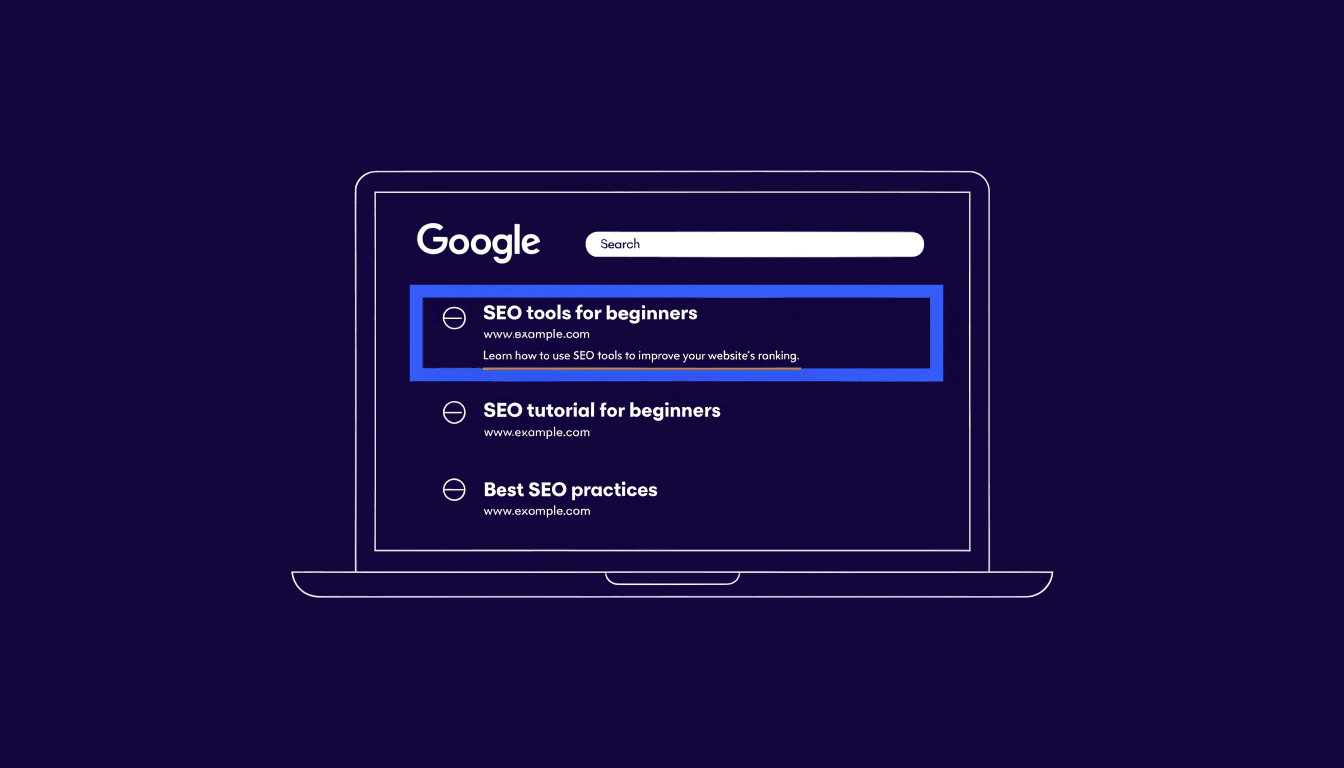
Here's something that stops most small business owners in their tracks: Google rewrites your meta description more than 60% of the time. So why bother writing one at all?
This article is part of my small business guide to SEO.
Because the other 40% of the time, your carefully crafted description appears word for word in the search results — and it can be the difference between someone clicking your link or scrolling straight past it. Even when Google does rewrite it, having a well-written description helps Google understand your page content, which means it's more likely to pull something sensible rather than a random sentence from the middle of your page.
In this guide, I'll walk you through exactly how to write meta descriptions that are clear, compelling, and built to earn clicks.
What Is a Meta Description?
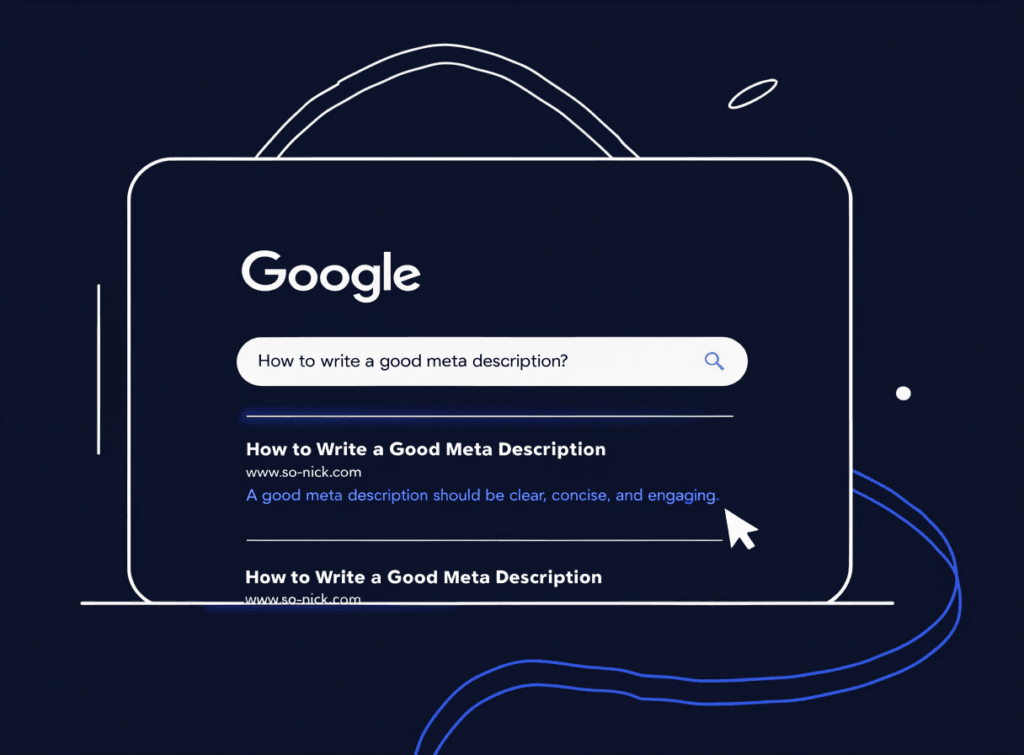
A meta description is a short snippet of HTML code that summarises what a web page is about. You write it in the backend of your website, and Google may display it beneath your page title and URL in the search results.
It looks like this in the code:
<meta name="description" content="Your meta description goes here.">
If you're using WordPress with an SEO plugin such as SEOPress or RankMath, you don't need to touch any code — there's a dedicated field right there in the editor.
The meta description isn't visible on your actual web page. It's only seen in search results, and sometimes when your page is shared on social media (depending on how your site is set up).
Does a Meta Description Affect Your SEO Rankings?
Not directly. Google has confirmed that the meta description is not a ranking factor. Writing a brilliant one won't magically push you to position one.
What it does affect is your click-through rate (CTR) — the percentage of people who see your result and actually click it. A compelling description that matches what the searcher is looking for will get more clicks than a vague or missing one. And higher CTR sends a signal that your result is relevant, which can have an indirect effect on rankings over time.
There's also a practical benefit: when Google shows your description and the searcher's query matches keywords within it, Google bolds those words in the results. That visual emphasis makes your listing stand out.
So no, it's not a direct ranking factor — but it absolutely influences how your page performs in search results.
How Long Should a Meta Description Be?
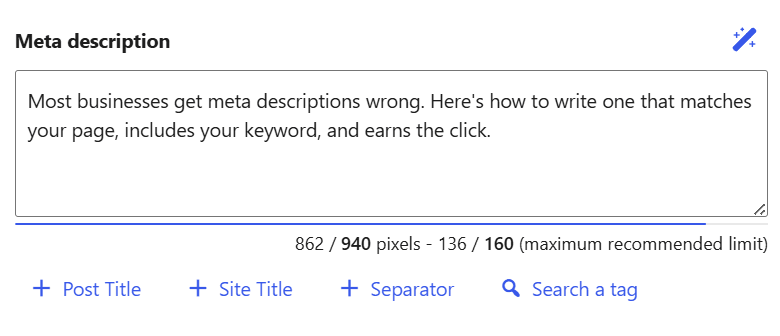
The widely cited guideline is 150–160 characters, including spaces. Google truncates anything beyond roughly 920 pixels in width, which translates to around 155–160 characters in most standard fonts.
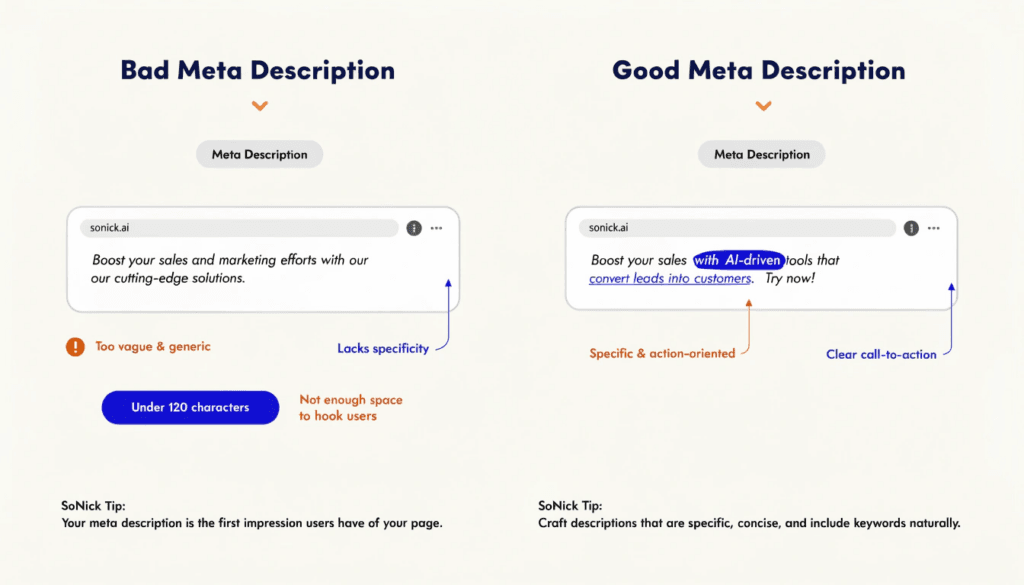
In practice, I'd recommend aiming for 140–155 characters. That gives you a comfortable buffer and ensures your description isn't cut off mid-sentence.
A few things worth knowing:
- Google doesn't always show the full character count — it depends on the device, the search query, and how Google has chosen to display the result.
- On mobile, descriptions are sometimes truncated even shorter.
- If your description is too short (under 70 characters or so), Google is more likely to ignore it and pull something from your page content instead.
The sweet spot is a description that makes its point efficiently, without running on.
How to Write a Meta Description: Step by Step
1. Include your target keyword naturally
If someone searches for "emergency plumber London" and your meta description contains that phrase, Google will bold it in the results. That draws the eye and signals relevance immediately.
Don't force it in awkwardly — write naturally first, then check that your keyword appears at least once.
2. Lead with the benefit
The searcher is looking for something specific. Tell them upfront why your page is the right one. Think about what they want to achieve and address that directly.
Instead of: "We are a family-run plumbing business based in Surrey offering a range of services..."
Try: "Available 24/7 across Surrey — trusted local plumbers for emergencies, boiler repairs, and bathroom installations."
The second version answers the question the searcher has in their head: "Can they help me, right now?"
3. Use active voice
Meta descriptions should feel direct and energetic, not passive and corporate. Active voice creates momentum and makes your description easier to read quickly.
Passive: "Our services can be booked online." Active: "Book online in minutes."
Four words instead of six, and it sounds far more confident.
4. Include a call to action
Give the reader a reason to click. Phrases like "Find out how," "Get a free quote," "Learn more," or "See how it works" act as a nudge in the right direction.
Your call to action doesn't need to be dramatic — just clear and relevant.
5. Write a unique description for every page
This is one of the most common mistakes I see on small business websites: the same meta description copy-pasted across every page, or no description at all.
Every page on your site serves a different purpose and targets a different query. Your homepage description should read differently from your contact page, which should read differently from your blog posts.
Duplicate descriptions create confusion — both for users and for Google. Take the time to write something unique for each important page.
6. Match the description to the page content
Your meta description is essentially a promise. If someone clicks through and finds something completely different from what you described, they'll leave immediately. That high bounce rate is bad for you — and Google notices it.
Write descriptions that accurately represent what's on the page. Don't oversell, don't mislead, and don't use generic filler that could apply to any page on any website.
Common Meta Description Mistakes to Avoid
Writing the same description on every page. Google may ignore duplicate descriptions entirely and generate its own — which might not be flattering.
Going over the character limit. Your carefully written ending gets cut off with an ellipsis. Always preview your description before publishing.
Keyword stuffing. Cramming in as many keywords as possible looks spammy, reads terribly, and is likely to be ignored. One or two relevant keywords, used naturally, is plenty.
Being too vague. Descriptions like "Welcome to our website. Find out more about our services." tell the searcher absolutely nothing. They'll skip your result without a second thought.
Leaving it blank. If you don't write a meta description, Google will pull a snippet from wherever it sees fit — often the first sentence on the page, which may not be your strongest material.
Tools to Help You Write and Preview Meta Descriptions
SEOPress — if you're on WordPress, SEOPress has a built-in meta description field with a live character counter right in the editor. It's what I use for most client sites and it's excellent.
RankMath — another strong WordPress option. RankMath shows you a live SERP preview as you type your description, so you can see exactly how it'll look in Google before you publish. Their free tier covers meta descriptions, and the Content AI feature (paid) can suggest improvements based on what's currently ranking for your target keyword.
SE Ranking — beyond writing individual descriptions, SE Ranking lets you audit your entire site to identify pages with missing, duplicate, or over-length meta descriptions in one go. If you're working through a larger site with dozens of pages, that kind of bulk view saves a lot of time.
Google Search Console — once your pages are live, check the Performance report to see which pages have a low CTR despite ranking well. Those are your priority pages for meta description improvements.
Real Examples of Good Meta Descriptions
Here are a few examples to illustrate what works — and why.
A local service business: "Emergency plumber in Manchester, available 24/7. Fast response, upfront pricing, no call-out fee. Call now for same-day service."
Why it works: Targets a clear local keyword, addresses urgency, removes a common objection (call-out fees), and includes a CTA.
A blog post: "Not sure how long your meta description should be? Here's the exact character limit, why Google ignores most of them, and how to write one that actually gets clicked."
Why it works: Speaks directly to the reader's uncertainty, hints at a fresh angle (why Google ignores them), and makes the value clear.
A service page: "Affordable SEO for small businesses across the UK. Monthly packages from £449, with no long-term contracts. See what's included."
Why it works: Leads with the audience, includes a price anchor to qualify visitors, removes a common concern (contracts), and uses a soft CTA.
Frequently Asked Questions
How often should I update my meta descriptions?
There's no fixed schedule, but it's worth revisiting them when:
- Your page has been updated with new content or offers
- You've noticed your click-through rate dropping in Google Search Console
- The keyword you originally targeted has shifted in intent
- A page is ranking well but not converting clicks
Evergreen content rarely needs frequent updates. Time-sensitive pages — such as seasonal promotions or posts tied to recent developments — may need more regular attention.
Does Google always show my meta description?
No. Google rewrites meta descriptions more often than most people realise — particularly when it determines that a different snippet of page content more closely matches the specific search query. This is more likely when a page ranks for many different keyword variations.
That said, a well-written description that closely matches your target keyword is more likely to be shown as written. It's always worth crafting a strong one, even knowing Google has the final say.
Is the meta description visible on my website?
No — it doesn't appear anywhere on the page itself. It lives in the HTML of your page's <head> section and is only read by search engines and social platforms. Visitors won't see it unless they specifically look at the page source code.
Does every page need a different meta description?
Yes. Each page should have its own unique description that accurately reflects what's on that specific page. Duplicate descriptions across multiple pages can confuse Google and lead to it generating its own snippets, which may not represent your pages well.
What's the difference between a meta title and a meta description?
The meta title (also called the title tag) is the main headline that appears as a clickable blue link in search results. It's typically 50–60 characters long and carries more direct SEO weight. The meta description sits beneath it and provides the supplementary summary. Both work together — a strong title earns attention, and a strong description earns the click.
For a deeper look at getting your title tags right, see my guide on what a title tag is and how to write one.
Conclusion
A meta description won't push you up the rankings on its own — but it absolutely influences whether people click on your result once you're there. Think of it as the headline of your search result listing: it's the copy that converts visibility into traffic.
The key rules are simple: keep it under 155 characters, include your keyword naturally, lead with the benefit, write something unique for every page, and don't leave it blank. Get those fundamentals right and you'll already be ahead of most of your competitors.
If you'd like to see how your site's meta descriptions and overall SEO are performing right now, run a free SEO audit — it takes under a minute and gives you a clear picture of where to focus first.