If your Google Ads are getting clicks but the phone isn't ringing, the ads themselves are rarely the whole story. In almost every account I'm asked to look at, the money is leaking in one of four places: the wrong searches are triggering the ads, the ads are showing to people outside the area you work in, the tracking is counting things that aren't leads, or the page people land on doesn't give them a reason to call. All four can be checked in an afternoon, and most can be fixed in a day.
I ran a plumbers' merchants for 16 years before I moved into digital marketing in 2019, so I've been on both sides of this: the business owner wondering where the money went, and now the person managing the accounts. I'm Google Ads certified in Search, Performance Max and Shopping, and this guide is how I'd diagnose your account if you sent it to me. It's part of my small business guide to Google Ads.
First, work out which problem you actually have
"Google Ads not working" means different things to different people. Before you change anything, find the stage where things stop. Each stage has different causes, and fixing the wrong one wastes weeks.
| What you're seeing | Most likely cause | Where to look first |
|---|---|---|
| No impressions at all | Account, billing, ads not approved, budget or bids too low | Campaign status and the Status column on your ads |
| Impressions but hardly any clicks | Weak ads, low position, the wrong searches | Ads, auction insights, search terms |
| Plenty of clicks, no calls or forms | Wrong searches, wrong area, weak landing page, tracking | Search terms report, location report, the landing page on your phone |
| Google shows conversions but you have no leads | Tracking counting the wrong thing | Goals, conversion actions |
| You get leads but Google shows none | Tracking missing calls or forms | Conversion actions, call reporting |
| Leads come in but they're rubbish | Broad or ambiguous searches, area too wide | Search terms report, location settings |
Most people who search for this are in the third row: clicks are happening, money is going out, and nothing is coming back. That's where most of this guide focuses.
If your ads aren't showing at all
This one is usually mechanical, and Google's own troubleshooting page for campaigns not running covers it well. The short list:
- Account and billing. A declined card, an unpaid balance or a policy suspension stops everything. Check for a red banner at the top of the account first.
- Ads still in review. Google says new or edited ads go through a review of one to two days. If you've just launched or changed your ads, give it that long.
- Budget or bids too low to compete. In a busy trade auction, a tiny budget or a low target can mean your ads rarely enter the auction at all.
- Targeting too narrow. A very small radius combined with exact match keywords that nobody types can produce almost nothing.
- Start and end dates, paused ad groups, disapproved ads. Boring, but I find at least one of these in a surprising number of accounts.
If your ads are showing and getting clicks, skip to the next section. That's where the money goes.
Clicks but no calls: the real reasons
1. You're paying for searches that were never going to become customers
This is the number one cause, and it's the first thing I check in every account. The search terms report shows the actual words people typed before they clicked your ad, and it is usually a shock. A plumber bidding on "boiler repair" can end up paying for "boiler repair course", "how to repressurise a boiler" and "boiler repair jobs". An electrician bidding on "electrician" picks up "electrician salary" and "electrician apprenticeship". Every one of those clicks costs the same as a real customer's.
Why it happens: broad match lets Google show your ad for searches it decides are related, and "related" is generous. This matters more right now because Google has started moving Search campaigns onto AI Max. From September 2026, campaigns using the campaign-level broad match setting are being upgraded automatically, with Dynamic Search Ads following in February 2027. AI Max's search term matching goes beyond your keywords, and Google's own AI Max help page says it is on by default when AI Max is on, though you can switch it off at ad group level. If your account changed behaviour this month and you didn't touch anything, check whether AI Max has been switched on.
My approach is deliberately strict. I exclude anything that isn't directly transactional. There is enough qualified search volume in most trades that I don't need to pay to find out what an ambiguous searcher meant. "Gas near me" could be someone wanting a gas engineer, or someone wanting a gas bottle. I'd rather not pay to find out. I review the search terms report daily in the early weeks of a new campaign, and the aim on every account is to push unwanted paid clicks as close to zero as possible.
One thing to know: Google doesn't show you every search. Its search terms report documentation says terms without enough query activity are left out for privacy. So what you can see is a sample, and the junk you can see is usually a sign of more you can't. I've written a full guide to negative keywords and the search terms report that walks through building lists properly.
2. Your ads are showing to people who aren't in your area
Google's default location setting is not "people in my area". It's "Presence or interest", which Google describes as reaching people "in, regularly in or who've shown interest in your targeted locations". That's the default and recommended option according to Google. For a travel company that makes sense. For a plumber in Croydon, someone in Manchester who once looked at Croydon is not a customer.
Change it to "Presence" in the campaign's location options, then open the locations report and look at where your clicks actually came from. I also target tightly around where a client is physically based rather than their entire stated service area, as long as the budget is comfortably spent in that smaller radius. Close to base means shorter travel, more jobs per day and people who are more likely to pick you.
A related mistake: having location pages on your website for 30 towns doesn't mean your paid campaigns should target all 30 towns. Location pages are an SEO asset. Your ad targeting should follow where the profitable work is, not your sitemap.
3. Your ads are running on networks you didn't choose
When you create a Search campaign, Google says search partners are included by default. Search partners are other sites that show Google ads alongside their own search results. Sometimes they perform fine. Often, for local service businesses, they bring cheaper clicks that don't turn into calls. Check the network settings in each campaign and segment your results by network to compare Google Search with search partners before deciding whether to keep them.
4. You're running Performance Max and can't see where the money goes
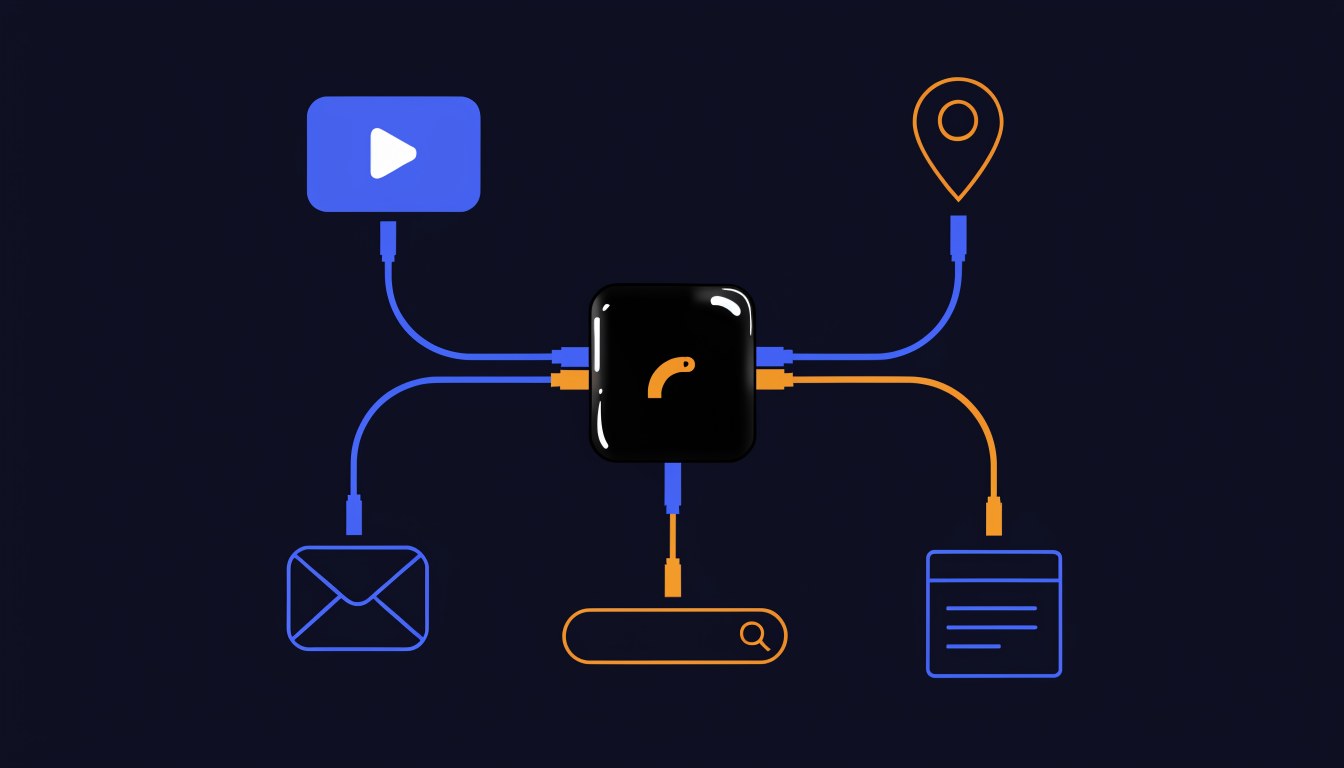
Performance Max spreads your budget across YouTube, Display, Search, Discover, Gmail and Maps from a single campaign. For an ecommerce shop with a product feed and a lot of conversion data, it can work well. For a small service business with weak or broken tracking, it often spends a big share of the budget on placements that generate cheap clicks and form spam. If most of your spend is in PMax and your leads are poor, read my guide on whether Performance Max is worth it for a small business before you add more budget.
5. Your conversion tracking is lying to you
This one is sneaky, because it can make a failing account look healthy, or a working account look dead.
The two failure modes I see most:
- Counting things that aren't leads. Page views, "clicks to call" that never became calls, button clicks, scrolls, or a thank-you page that anyone can land on. Google's automated bidding then chases more of those, not more customers.
- Missing the leads that do happen. Most trade enquiries are phone calls. If you only track the contact form, Google thinks your best-performing ads are useless. Google offers several ways to measure calls, including call reporting with Google forwarding numbers, which is available in the UK, and tracking calls to the number on your website, where a call only counts once it lasts longer than a minimum length you set.
Open Goals in your account and look at which actions are set as primary. If you can't say in one sentence what each one is and why it's a real lead, that's your problem. My guide to Google Ads conversion tracking covers how to set this up properly for calls and forms.
For my own clients, I measure leads: who actually got in touch. Reports show totals by source and type, what was spent and the cost per lead. Clicks and impressions are useful for diagnosis, but they don't pay the bills.
6. The landing page doesn't give them a reason to call
Pull out your phone and click your own ad (use the ad preview tool so you don't pay for it). Then ask:
- Does the page load quickly on mobile data?
- Is the phone number visible without scrolling, and does it work as a tap-to-call link?
- Does the page mention the exact service they searched for, or is it your generic homepage?
- Does it show you cover their area?
- Are there reviews, accreditations and real photos, or stock images?
- Is there a short form for people who can't talk right now?
If someone searches "emergency boiler repair" and lands on a homepage talking about bathroom installations, most will go back and click the next ad. I've written a separate guide on how to create a landing page that converts if yours needs work.
7. Nobody answers the phone
It sounds obvious, but it's easy to miss. Ads running from 7am to 11pm are wasted if the phone goes to voicemail after 5pm and you're up a ladder all day. People searching for a tradesperson rarely leave a message. They ring the next one.
Check your ad schedule against when you can actually pick up. If you can't answer during the day, either use a call answering service or schedule ads for the hours you can respond, and lean on the contact form for the rest.
8. You're judging it too early, or changing it too often
New campaigns need time and data. Google's own guidance on the learning period for bid strategies says it can take up to around 50 conversion events or three conversion cycles for a bid strategy to calibrate after a change. For a small local business getting a handful of leads a week, that's a while.
In my experience, it typically takes three to four weeks for a new campaign to reach the point where Google has learned how best to convert. That's my view from running accounts, not a Google rule. What resets that progress is constant tinkering: changing the bid strategy, the budget and the ads every few days. Make one meaningful change, give it time, then judge it.
I start new Search campaigns on a low budget with Maximise clicks until there's real conversion data to work with, then move to a conversion-based strategy and scale up. Switching straight to Maximise conversions with no conversion history asks Google to optimise towards something it has never seen.
9. The budget is spread too thin
A budget of £5 a day spread across ten services and 40 towns gets you a few clicks for each, which isn't enough to learn anything or win work. My view is that £10 a day is the realistic minimum ad spend, especially for Search and wider areas. Below that, concentrate: one or two of your most profitable services, a tight radius, and nothing else until it's working. If your campaigns show "Limited by budget", my guide to Search lost impression share (budget) explains what that means for you.
10. Google's recommendations changed things for you
Google's Recommendations tab can apply changes automatically if auto-apply is switched on. According to Google's auto-apply help page, the options include adding broad match keywords, removing keywords it considers redundant and changing bid strategies. If your account suddenly got worse and you don't remember changing anything, check Change history, then Recommendations, then the auto-apply settings. I've written more on whether to accept Google Ads recommendations.
The 20-minute check I'd run on your account
If you want to diagnose this yourself today, do these in order. Each one takes a few minutes.
- Search terms report, last 30 days. Sort by cost. Highlight every term you'd never want to pay for. Add the obvious ones as negatives.
- Location settings. Check it's set to "Presence", then look at the locations report for clicks from places you don't cover.
- Networks. Check whether search partners and Display are switched on, and compare cost per lead by network.
- Goals. List every primary conversion action. Remove or demote anything that isn't a real enquiry.
- Change history. Look for changes you didn't make, including auto-applied recommendations and AI Max.
- Your own ad, on your own phone. Use the ad preview tool, tap through, and try to contact yourself.
- Call logs. Compare missed calls on your phone with the times your ads were running.
If you want to go further, my Google Ads audit checklist takes you through the whole account section by section.
How I set campaigns up to stop this happening
Most of the fixes above are things I build in from day one on client accounts:
- Only transactional keywords. Searches from people who want the job done, not people researching, training or job hunting.
- Shared negative keyword lists. I keep lists that apply across all the accounts I manage, split into a trade list, a places list and a generic list, so every new campaign starts with years of exclusions already in place.
- Tight location targeting around where the business is actually based.
- A low starting budget, Maximise clicks until there's conversion data, then scale.
- Daily search terms reviews in the first weeks.
- A weekly report every Monday across all accounts, so underspending or weak impressions get caught within the first week rather than at the end of the month.
None of this is clever. It's just consistent. Most failing accounts I see were set up in an afternoon using Google's defaults and then left alone.
When it isn't the ads
To be fair to Google Ads, sometimes the account is fine and the problem is elsewhere:
- Your prices are well above the local market, and people call three firms and pick the cheapest.
- Your reviews are thin or poor compared with the firms advertising next to you.
- The market is too small. A niche service in a rural area might only get a few searches a month. No amount of optimisation creates demand that isn't there.
- You're competing for the most expensive searches with a budget that can't win them. Emergency trade searches in London are among the most expensive clicks a small business can buy.
If that's where you are, it's worth asking whether ads are the right spend at all right now. Sometimes SEO or your Google Business Profile is the better place to put the money first.
FAQ
Why am I getting clicks on Google Ads but no calls?
Usually because the ads are triggering on searches that aren't from customers, showing to people outside your area, or landing on a page that doesn't make calling easy. Check the search terms report, your location setting ("Presence" rather than "Presence or interest") and your landing page on a phone. Also check that someone is answering the phone when the ads are running.
How long should I give a new Google Ads campaign before judging it?
Google says a bid strategy can take up to around 50 conversions or three conversion cycles to calibrate. In my experience, a new campaign typically needs three to four weeks before Google has learned how best to convert. You should still check search terms daily during that time, because wasted clicks can be stopped straight away.
Why does Google Ads show conversions when I haven't had any leads?
Your conversion tracking is almost certainly counting something that isn't a lead, such as a page view, a button click or a tap on a phone number that never became a call. Check the primary conversion actions under Goals and remove anything that isn't a real enquiry.
Should I turn off search partners?
Not automatically, but check them. Search partners are included by default in Search campaigns. Segment your results by network and compare cost per lead. For many local service businesses, Google Search itself performs better, and switching partners off concentrates the budget there.
Can I fix Google Ads myself or do I need an agency?
Many of the fixes in this guide are things you can do yourself in an afternoon: negatives, location settings, networks and conversion goals. Where people struggle is keeping it up week after week while running a business. That's the point where it's worth getting help.
If your ads aren't paying, I'm happy to take a look
If you're running your own Google Ads and they're not bringing in work, send me a message. I'll look at your search terms, settings and tracking, and tell you honestly whether it's fixable and what I'd change first. You deal with me directly, not an account manager.
Find out more about my Google Ads management service, see my wider PPC services, or just get in touch and tell me what's going on with your account.