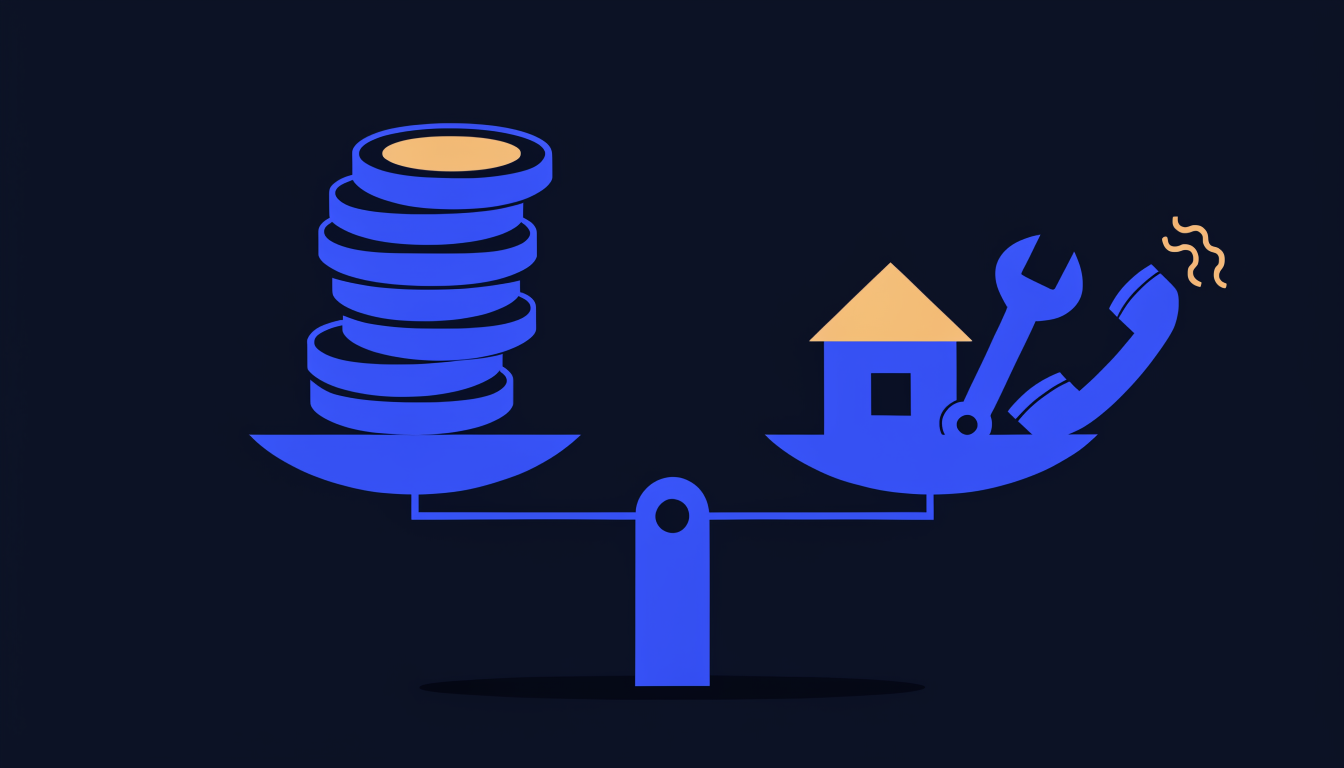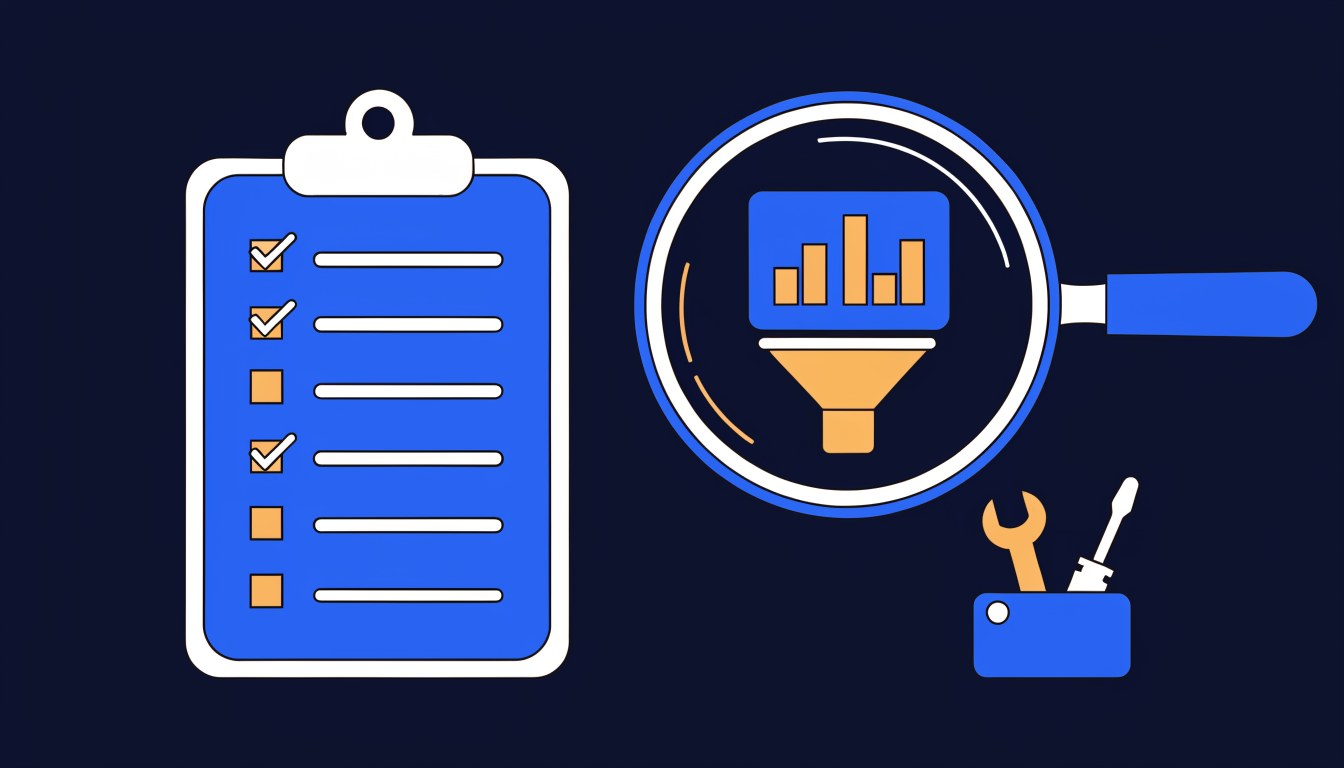
Most small businesses that give up on Google Ads didn't fail because ads don't work. They failed because they skipped a step: they spent money before checking the numbers, switched ads on without tracking, or let Google's default settings spend the budget on searches that were never going to ring the phone. Google Ads for a small business works when you do things in the right order, and that order is what this guide is for.
I ran a plumbers' merchants for 16 years before moving into digital marketing in 2019, and I now manage Google Ads for small businesses and tradespeople from London. I'm Google Ads certified in Search, Performance Max and Shopping, and every client deals with me directly. This page is my own route through Google Ads: the short answer to each big question, in plain English, with links to the full guides I've written on every part of it.
If you're new to ads, read it from top to bottom. If you're already paying for a campaign that isn't working, jump straight to the chapter on fixing it. Either way, these three articles are where most people should start.
Start here
- Are Google Ads Worth It for a Small Business?. The honest test of whether ads can pay for your business, before you spend anything.
- How Much Do Google Ads Cost in the UK?. Real UK click prices and how to set a budget that makes sense.
- Google Ads Not Working?. If you're already paying for clicks that don't turn into calls.
What's in this guide
- The short version: the order I'd do things in
- 1. Start with the basics
- 2. Is it worth it, and what does it cost?
- 3. Get tracking right before you spend
- 4. Setting up and running ads properly
- 5. When your ads aren't working
- 6. Beyond Search: Performance Max, Local Services Ads, ChatGPT and Facebook
- 7. Google Ads for tradespeople
- Where to get help
- FAQ
The short version: the order I'd do things in
If you only read one section, make it this one. Here is the path I'd take with Google Ads if I were running a small business with no marketing department and a budget that has to earn its keep.
- Check the maths first. Work out what a new customer is worth to you and what a click costs for your service in your area. If one job doesn't comfortably cover the clicks it takes to win it, stop there, because better management won't change that.
- Make sure your website can take the call. The page people land on has to load quickly on a phone, show your number and give them a reason to pick you. Sending paid clicks to a slow, generic page is the most expensive mistake in this guide.
- Set up tracking before a penny is spent. Decide what counts as a lead (a real phone call, a form, an email), track only that, and count each one once.
- Start with a Search campaign, not Performance Max. Bid only on searches that clearly mean someone wants to buy, target tightly around where you're based, and have negative keywords in place from day one.
- Start small, then scale. I start new Search campaigns on a low budget, on Maximise clicks until there's conversion data, and give them three to four weeks for Google to learn how best to convert before judging them.
- Watch the search terms. Daily for the first few weeks, then weekly. The aim is to push wasted paid clicks as close to zero as you can.
- Only then add more. Once Search is bringing in leads at a cost you're happy with and the tracking is solid, test Performance Max, Local Services Ads or remarketing, one at a time.
None of that is glamorous, but when I'm asked to look at an account that isn't paying, it has almost always skipped one of those steps, most often tracking, targeting or the search terms. The chapters below take each step in turn.
| If this sounds like you | Go to |
|---|---|
| I've never run ads and want to understand them | Chapter 1: the basics |
| I want to know if ads would pay and what to budget | Chapter 2: worth it and costs |
| Google says I've had leads, but the phone's quiet | Chapter 3: tracking |
| I'm setting up a campaign, or running my own | Chapter 4: setting up and running |
| I'm getting clicks but no calls, or I've been suspended | Chapter 5: when ads aren't working |
| Google keeps pushing Performance Max, or I've heard about ChatGPT ads | Chapter 6: beyond Search |
| I'm a plumber, electrician, roofer or builder | Chapter 7: tradespeople |
1. Start with the basics
Google Ads is pay-per-click advertising. You choose the searches you want to appear for, set a daily budget, and pay only when someone clicks your ad. For a local business it's the quickest way I know to appear at the top of Google for the searches that matter, because a campaign can be live within days of the ads being approved. The catch is that it stops the moment you stop paying.
That's why the most useful early question isn't how the auction works, but whether you should be paying for ads or investing in SEO first. My short answer: if you need enquiries in the next few weeks, start with Google Ads. If you can wait three to six months and want a lower cost per lead in the long run, start with SEO. If you can afford both, run ads to keep the phone ringing while SEO builds underneath. The other side of that decision is covered in my small business guide to SEO.
- What Is Digital Advertising? A Plain-English Guide for Small Businesses. A jargon-free overview of the main types of paid online advertising (search, social, display, video and shopping) and how they differ from digital marketing as a whole.
- What Is PPC Advertising? A Beginner's Guide for Small Businesses. How pay-per-click works, the main ad types from search to remarketing, what budget you need and the beginner mistakes to avoid.
- Google Ads vs SEO: Which Should a Small Business Pay For First?. A decision table for which to fund first, how to split the money when you run both, and the situations where I'd tell you to spend on neither yet.
2. Is it worth it, and what does it cost?
Google Ads are worth it for most small businesses that sell a service people actively search for, as long as three things are true: one job is worth enough to cover what a lead costs, your website turns visitors into enquiries, and you have the capacity to handle the extra work. If any one of those is missing, ads will lose you money however well they're managed, and I'd rather tell you that before you spend than after.
On cost, Google sets no minimum. You pay per click, and in the UK a click can cost anything from around £2 for a low-competition local search to £30 or more for urgent searches like an emergency plumber or a locksmith in London. In my view £10 a day is the realistic minimum ad spend, roughly £300 a month paid to Google, because below that most local Search campaigns can't gather enough clicks to learn or to be judged fairly. If you pay someone to manage the account, that's a separate fee: make sure your ad spend goes to Google in full and the account is in your name.
Before you spend anything, run the sum. Say clicks cost £6, one click in ten becomes an enquiry, and you win four enquiries in ten. That's 25 clicks for every job, or £150 of ad spend per job won. If a typical job is worth several times that to you, ads can work. If it isn't, no amount of tweaking will fix the maths. The calculator below does this for you with your own numbers.
- Are Google Ads Worth It for a Small Business? An Honest Answer. When ads usually pay and when they don't, the maths to do before you spend, and how Google Ads compares with the alternatives.
- PPC ROI Calculator: What Could Google Ads Make You?. An interactive calculator that uses your click cost, conversion rate, job value and close rate to estimate your return, cost per lead and break-even point.
- How Much Do Google Ads Cost in the UK?. Current UK click costs for common local searches, how Google's billing works, the 2% UK Digital Services Tax fee and how to set a budget that makes sense.
- How Much Does a Google Ads Agency Cost in the UK?. What UK agencies and freelancers charge to manage an account, flat fee versus percentage of spend, the red flags to watch for and exactly what I charge.
3. Get tracking right before you spend
If I could get every small business owner to do one thing before switching ads on, it would be this. Google's automated bidding spends your budget chasing whatever you tell it counts as a conversion. Tell it that a visit to your contact page, or a tap on your phone number, is a lead, and it will find you plenty of those. That isn't the same as finding you customers.
So decide what a lead actually is for your business, track only that, and make sure each enquiry is counted once. Then check Google's number every month against the calls, forms and emails you really received. On every account I manage I report leads by source and type, the spend and the cost per lead, because that is the figure that tells you whether ads are paying. If Google's conversions and your real enquiries are miles apart, fix the tracking before you change anything else in the account.
- Google Ads Conversion Tracking: Why Your Numbers Are Wrong. Why Google's conversion count rarely matches your real enquiries, how call tracking works in the UK, what consent mode means for UK advertisers and the setup I'd use for a local service business.
4. Setting up and running ads properly
Most of the wasted spend I see comes from settings, not from the ads themselves. Google's defaults are designed to widen your reach: broader keyword matching, extra networks, and locations set to include people who are merely interested in your area. For a small local business on a modest budget, I narrow all of that down.
In practice that means bidding only on searches that are clearly transactional and deliberately excluding anything ambiguous. There's enough qualified search volume for most local services without paying to find out what an unclear searcher meant: someone typing "gas near me" might want a gas bottle, not a gas engineer. It means building negative keyword lists before launch, and targeting tightly around where you're physically based rather than every town you'd travel to, as long as the budget is comfortably spent in the smaller area. Having location pages on your website is good for SEO, but it doesn't mean your ads should target all of those places.
Then give the campaign time and keep an eye on it. I review the search terms report daily in the early weeks, and I check every account I manage each Monday, so underspending or weak impressions get caught within the first week. What I don't do is rewrite everything in week two, because constant changes stop Google learning. Be careful, too, with Google's own recommendations and calls from its advisers. Judge each suggestion by one question: will this bring me more paying customers at a cost I'm happy with? The articles below are in the order I'd read them when setting up.
- Negative Keywords and the Search Terms Report: Stop Paying for Rubbish Clicks. How to read the search terms report, the searches I exclude on trade accounts, how negative match types really work and the three shared lists I use across accounts.
- How to Create a Landing Page That Converts. What a landing page needs to turn an ad click into an enquiry, a step-by-step build, and the mistakes that quietly kill conversions.
- Google Ads Quality Score: Why Yours Is Low and How to Fix It. What the 1 to 10 score really measures, why small accounts often score low, and how to improve expected click-through rate, ad relevance and landing page experience.
- How to Optimise Your PPC Campaigns. The ongoing routine that separates profitable accounts from ones that bleed budget: clear goals, tracking, negatives, ad testing, landing pages and when Smart Bidding makes sense.
- Search Lost IS (Budget): What It Means and How to Fix It. What the Search Lost IS (Budget) column is telling you, when it's worth acting on, and a calculator for the daily budget you'd need to stop losing impressions.
- Should You Accept Google Ads Recommendations (and Advice from Google Reps)?. Which automated recommendations to accept or dismiss, why optimisation score isn't a measure of performance, turning off auto-apply and handling calls from Google.
- What Is PPC Remarketing?. How to show ads to people who've already visited your website, the different types of remarketing in Google Ads, the common mistakes and whether it suits your business.
5. When your ads aren't working
If you're getting clicks but no calls, the ads themselves are rarely the whole story. The money is nearly always leaking in one of four places: the wrong searches are triggering your ads, the ads are showing to people outside the area you work in, the tracking is counting things that aren't leads, or the page people land on doesn't give them a reason to call. Find the stage where things stop before you change anything, because fixing the wrong problem wastes weeks.
If you'd rather be thorough, run a proper audit. Start with conversion tracking, then the search terms report, then location settings, because those three decide whether every other number in the account can be trusted. And if the problem is more serious, a suspended account, don't panic and don't open a new account: that is itself something Google suspends advertisers for. Read the policy Google named, fix the cause properly and submit one clear, honest appeal.
- Google Ads Not Working? Why You're Getting Clicks but No Calls. The ten most common reasons ads get clicks but no calls, a 20-minute check you can run on your own account and how I set campaigns up to stop it happening.
- Google Ads Audit: A Checklist You Can Run Yourself. The checklist I use to audit a small business account in about two hours, grouped by area, with what good looks like and the red flags that mean stop spending until it's fixed.
- Google Ads Account Suspended? What to Do Next. How to tell a suspension from a paused account or a disapproved ad, the common reasons small UK businesses get suspended, and what a good appeal looks like.
6. Beyond Search: Performance Max, Local Services Ads, ChatGPT and Facebook
A Search campaign is where I start almost every local business, because you're paying to appear in front of people who are actively looking for what you do. The other options are worth knowing about, but each comes with a condition.
Performance Max spends one budget across Search, YouTube, Display, Gmail, Discover and Maps, and lets Google's AI decide where the money goes. It depends on accurate conversion data, so I test it once Search is working and tracking is solid, not as a starting point.
Local Services Ads charge per lead rather than per click, and they're available in the UK for many home service categories, including plumbers, electricians, roofers and heating engineers. The old Google Guaranteed and Google Screened badges have been replaced by a single Google Verified badge. For trades, they often work well alongside a normal Search campaign.
ChatGPT ads are now live in the UK and shown to people on ChatGPT's Free and Go plans. It's a new channel and I'd treat it as a small, controlled test for the right business, not a replacement for Google. Facebook ads work differently again: nobody scrolls their feed looking for an emergency plumber, so Facebook suits building awareness and promoting planned work rather than catching urgent jobs.
- Performance Max for Small Businesses: Is PMax Worth It?. What you can and can't control in Performance Max now, how it works alongside Search, where AI Max fits, the lead quality problem and my setup checklist if you do run it.
- Local Services Ads in the UK: Google Guaranteed, Screened and Verified Explained. Which UK categories are covered, what changed with the badges, the checks you'll go through, how pay per lead and disputes work, and how LSAs compare with standard Search ads.
- ChatGPT Ads: What UK Small Businesses Need to Know. The confirmed, dated facts about ChatGPT ads in the UK, how buying, targeting and measurement work, what isn't available yet and how I'd run a first test.
- Facebook Ads for Plumbers: The Complete Guide. Where Facebook ads fit for a trade business, the formats, objectives and targeting that work, UK costs and how to run them alongside Google Ads.
7. Google Ads for tradespeople
Trades are where I spent the first 16 years of my working life, and they're a big part of who I manage ads for now. Everything above applies, with a few trade-specific twists. Urgent searches are expensive, so the maths in chapter 2 matters more. Phone calls matter more than forms, so call tracking is essential. And tight location targeting pays off more than in almost any other sector, because a small job a long drive away rarely pays for the click, let alone the fuel.
The article below is how I actually set up and run campaigns for plumbers, electricians, roofers and builders. For everything else a trade business can do to win work, from local SEO to recommendation sites, see my complete guide to marketing for tradespeople.
- Google Ads for Trades: A Practical Guide for UK Tradespeople. How I set up Google Ads for trade businesses step by step, with UK trade click costs, which campaign type to use, what to spend and the mistakes I see most in trade accounts.
Where to get help
Plenty of small business owners run their own Google Ads well, and everything in this guide is written so that you can. If you'd rather hand it over, or want a second pair of eyes, this is how I can help.
- Google Ads management. I set up and run your campaigns myself, in an account you own, and you deal with me directly.
- PPC packages and pricing. Fixed monthly fees with no percentage of your ad spend. PPC Starter is £299 plus VAT a month, covering ad spend of up to £750 a month paid directly to Google, with no minimum contract.
- SEO and PPC packages. If you want ads now and SEO building underneath, taking both together saves 10%.
- ChatGPT ads management. Setting up and testing ChatGPT ads alongside your Google campaigns.
- All PPC services. An overview of everything I offer for paid advertising.
My other guides cover the rest of getting found online: the small business guide to SEO, the small business website guide and the small business marketing guide.
FAQ
Is Google Ads worth it for a small business?
Usually, if people actively search for what you sell, a job is worth several times what a lead costs, and your website turns visitors into enquiries. If any of those is missing, fix it first or put the money elsewhere.
How much should a small business spend on Google Ads?
Google has no minimum, but I treat £10 a day, roughly £300 a month paid to Google, as the realistic minimum for a local Search campaign. Urgent, competitive services such as emergency plumbing need more, because each click costs more.
How long does Google Ads take to work?
Ads can show within days of approval, but a new campaign typically needs three to four weeks before Google has learned how best to convert. Judge it on real leads and cost per lead after that point, not on the first week.
Should I run Google Ads myself or pay someone?
If you have the time to check your search terms regularly and your tracking is set up properly, running your own ads can work well. If you don't, or you've tried and the numbers aren't adding up, paying someone who does it every day usually costs less than the money being wasted.
Should a small business use Performance Max?
Not as a starting point, in my view. Performance Max needs reliable conversion data and enough budget to learn. Start with Search, get the tracking right, and test Performance Max once Search is paying.
Want me to look at your ads?
If you're running your own Google Ads and they're not paying, I'm happy to take a look. Get in touch, tell me what you're spending and what you're getting back, and I'll give you an honest view of whether I think it can be improved. Or, if you're starting from scratch, see how my Google Ads management works.