If you're researching how to build a website for your business, you've almost certainly come across WordPress. It's everywhere — recommended by web designers, mentioned in marketing blogs, and apparently powering a huge chunk of the internet. But with so many website platforms available today, it's a fair question to ask: why use WordPress specifically? Is it really as good as everyone says, or is the hype overblown?
This article is part of my small business website guide.
I've been building websites on WordPress for years, and it remains my platform of choice for the vast majority of small business sites I work on. In this guide, I'll walk you through what WordPress actually is, the genuine benefits it offers a small business owner, and the downsides you should know about before you commit.
What Is WordPress?
WordPress is an open-source content management system (CMS). "Open-source" means anyone can download, install, and use it without paying a licence fee, and a worldwide community of developers actively contributes to improving it.
It was originally created as a blogging tool back in 2003, but it has evolved far beyond that. Today, you can use WordPress to build almost any kind of website — from a simple five-page business site to a full ecommerce store, a membership platform, or a booking-based service website.
One thing worth clarifying before we go any further: when people talk about "WordPress" in the context of building your own website, they almost always mean WordPress.org — the free, self-hosted software. This is different from WordPress.com, which is a hosted service where WordPress manages things for you, but with significantly more restrictions and monthly fees. Throughout this post, I'm referring to WordPress.org.
How Widely Used Is WordPress?
The numbers are genuinely staggering. According to W3Techs data, WordPress powers around 43% of all websites on the internet — making it far and away the most widely used website platform in the world. Its nearest competitor, Shopify, holds a market share of under 5%.
That level of adoption matters for a practical reason: it means WordPress has an enormous ecosystem of developers, designers, themes, plugins, and support resources built around it. Whatever you need your website to do, someone has almost certainly already solved that problem.
The Benefits of WordPress for Small Businesses
It's Free to Use (But Not Free to Run)
WordPress itself costs nothing to download and use. There's no monthly subscription to pay, no licence fee, and no usage cap. That's a genuine advantage over proprietary website builders that charge you a recurring fee just to keep your site live.
That said, running a WordPress site does come with costs. You'll need to pay for web hosting (where your site's files are stored) and a domain name (your web address). For a small business site, you're typically looking at somewhere between £5 and £30 per month for decent hosting, depending on the provider and plan.
Some premium themes and plugins also carry a one-off or annual fee, though many excellent options are available free of charge. The overall cost is usually still significantly lower than building something on a proprietary platform or commissioning a fully custom-coded site.
It's Highly Customisable
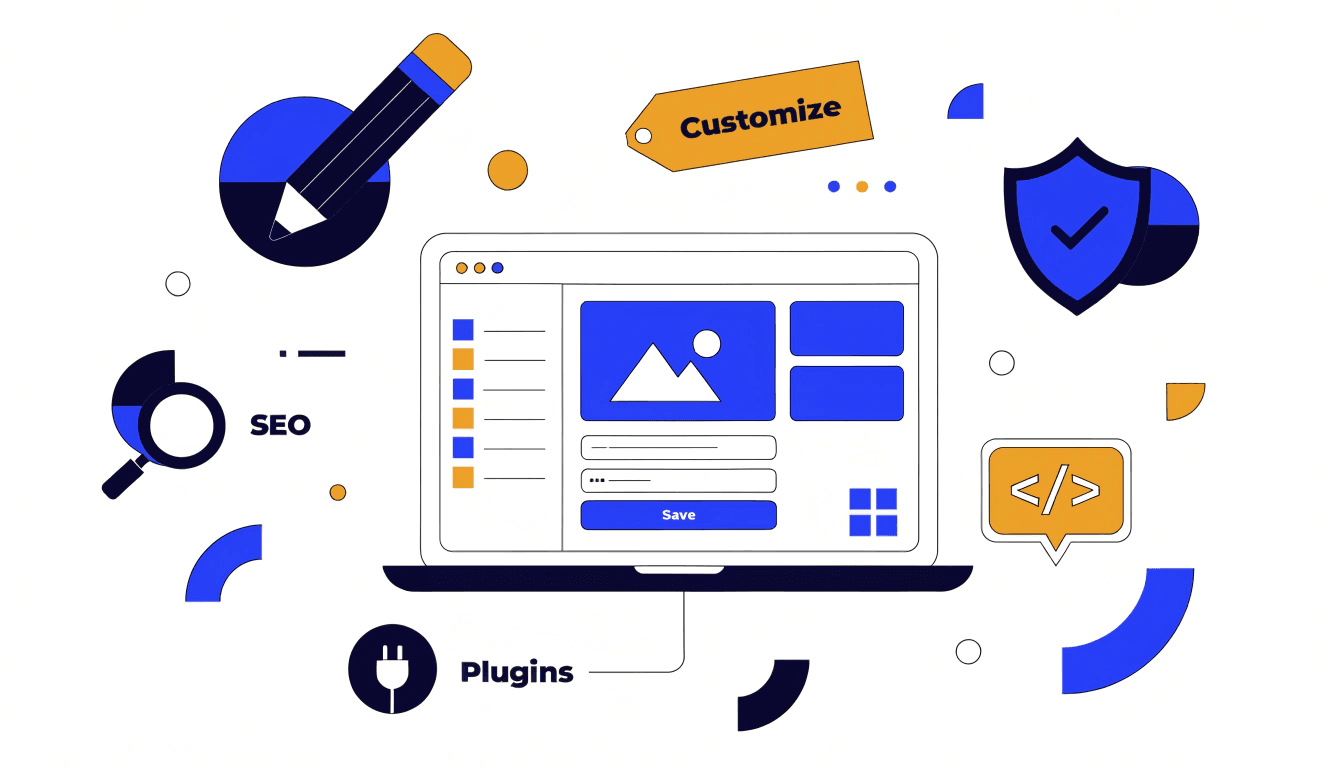
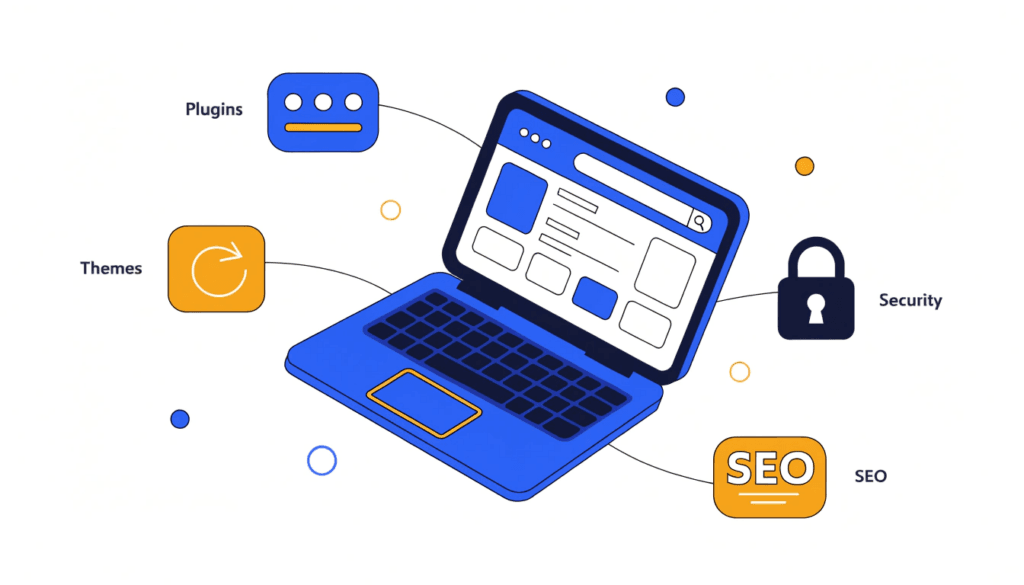
Despite powering nearly half the internet, you'll rarely find two WordPress sites that look the same. That's because the platform offers thousands of themes and templates to start from, plus a drag-and-drop editing experience that makes it possible to adjust layouts, colours, and content without touching a single line of code.
Beyond the visual side, the plugin library — which currently stands at over 70,000 plugins — lets you add almost any functionality you can think of: contact forms, booking systems, ecommerce, live chat, social media feeds, email marketing integrations, and much more. It's one of the most flexible platforms available, regardless of budget.
It's SEO-Friendly
Search engine optimisation (SEO) is one of the biggest factors in whether potential customers find your website on Google. WordPress is built with SEO in mind: its code structure is clean, it generates readable URLs, and it handles technical fundamentals like sitemaps and canonical tags well.
You can extend this further with SEO plugins — I use and recommend SEOPress on the sites I build, which gives you full control over title tags, meta descriptions, schema markup, and more, all without needing to understand the underlying code.
If you want to see how your site is currently performing in search, run a free SEO audit — it takes under a minute and highlights the most important issues to fix.
Pair a well-built WordPress site with a proper SEO strategy and you have a genuinely strong foundation for getting found online. A tool like SE Ranking is worth using to track your keyword rankings and monitor your SEO progress over time.
It Has a Massive Support Community
Because WordPress is open-source and used by millions of people worldwide, the volume of freely available help, tutorials, forums, and documentation is unmatched. Whatever problem you run into — a plugin conflict, a layout issue, a configuration question — there's almost always a free resource available that addresses it.
This matters a lot for small business owners who want to manage their own site day-to-day without having to pay a developer every time something needs updating.
It's Scalable as Your Business Grows
One of the less obvious advantages of WordPress is that it grows with you. Starting out, you might need a simple five-page brochure site. A year later, you might want to add a blog, an online booking system, and a client portal. WordPress can accommodate all of that without requiring you to rebuild from scratch or migrate to a different platform.
This scalability is part of why it's used by organisations ranging from sole traders to major news publishers. You're not going to outgrow it.
You Own Your Website
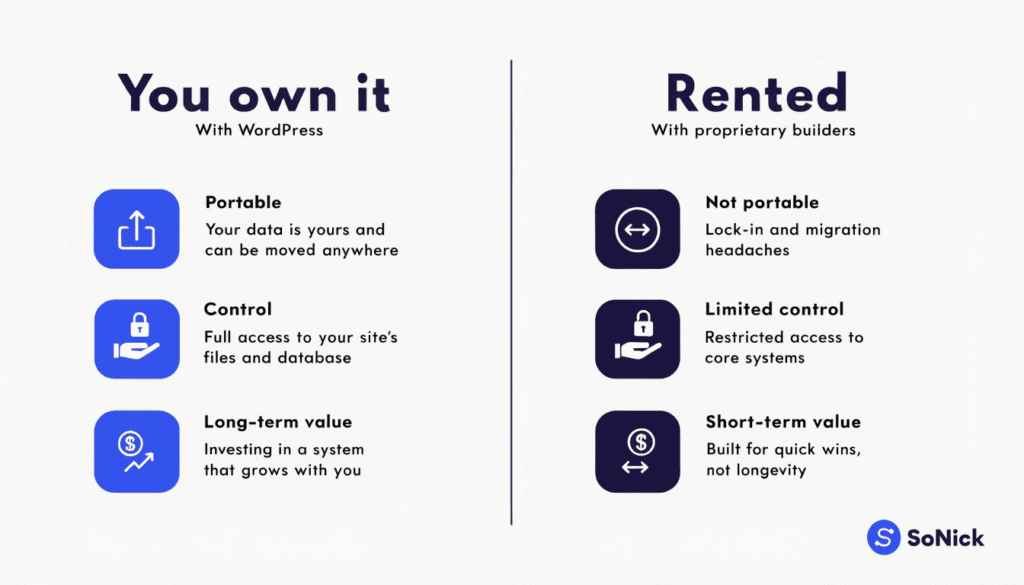
This one is worth highlighting because it's easy to overlook when you're just getting started. With many hosted website builders — Wix, Squarespace, and similar platforms — your website lives on their servers and is tied to their system. If they change their pricing, discontinue a feature, or you want to switch providers, you could find yourself stuck or facing a significant rebuild.
With WordPress, your site files, content, and database belong to you. You can move your site to a different hosting provider at any time, hand it to a different developer, or bring it fully in-house. That ownership and portability is something I think every small business owner should care about.
The Downsides of WordPress (And How to Manage Them)
It wouldn't be an honest review if I only covered the positives. WordPress does have genuine drawbacks — but most of them are manageable with the right setup.
It Requires Regular Maintenance
WordPress regularly releases updates to its core software, and the themes and plugins you install receive their own updates independently. Keeping everything up to date is important: outdated plugins are one of the most common causes of security vulnerabilities and site-breaking conflicts.
You can set many updates to run automatically, though this isn't always advisable for business-critical sites where an update could break something important. The practical solution for most small business owners is either to set aside 15–30 minutes per month to run updates manually, or to use a managed hosting plan that handles this for you.
It's a Popular Target for Hackers
Because WordPress is so widely used, it's also widely targeted by automated hacking attempts and spam. A poorly maintained or badly configured site is genuinely at risk.
That said, a well-secured WordPress site is perfectly safe. The key steps are: keeping everything updated, using a reputable security plugin, choosing a quality hosting provider, using strong passwords and two-factor authentication, and not installing plugins from untrusted sources. None of this is particularly complicated — it's just a case of setting it up correctly from the start.
Speed Needs Attention
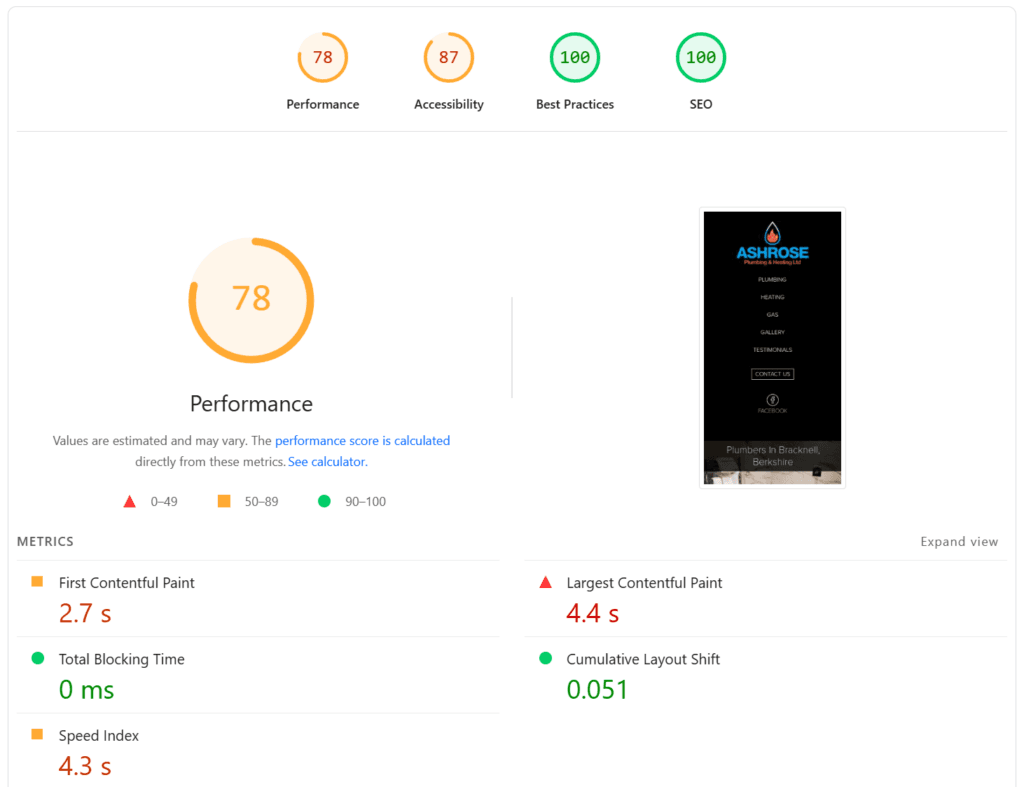
WordPress sites can be slow if they're running on cheap hosting or are overloaded with poorly coded plugins. Page speed matters for both user experience and SEO, so this is worth taking seriously.
The good news is that speed problems are almost always solvable. Choosing quality hosting, using a caching plugin, optimising your images, and keeping your plugin count lean will get the vast majority of WordPress sites to a perfectly acceptable load time. If you're having a site professionally built, make sure your developer is considering performance from the outset.
Is WordPress Right for Your Business?
For the majority of small businesses — trades, professional services, health and wellness, retail, hospitality — WordPress is an excellent choice. It gives you a professional, fully customisable website that you own outright, with strong SEO foundations and the flexibility to grow.
It probably isn't the right fit if you want something you can set up yourself in an afternoon with zero technical involvement. Platforms like Squarespace or Wix are simpler to start with, though you'll trade control and flexibility for that simplicity.
If you're planning to have your site built professionally, however — and you want a site that will genuinely perform well in search and can be developed over time — WordPress is hard to beat.
Conclusion
WordPress remains the dominant website platform for good reason. It's free to use, highly flexible, SEO-friendly, and backed by one of the largest developer communities on the internet. The downsides — maintenance, security, and speed — are real, but all of them are manageable with the right setup and a bit of ongoing attention.
If you're weighing up your options and want to understand what a well-built WordPress site could do for your business, I'd love to help. Take a look at our web design services to see what's possible, or get in touch for a conversation about your project.