Most small business eBooks never generate a single lead. They get written, uploaded to a website somewhere, and quietly forgotten. Creating an eBook and using one strategically are two very different things.
This article is part of my small business marketing guide.
Done properly, a marketing eBook is one of the most effective lead generation tools available to a small business. It captures contact details from people who are genuinely interested in what you do, builds your credibility, and feeds a pipeline of warm prospects you can nurture over weeks and months. Done badly, it's just a PDF nobody downloads.
This guide covers everything you need to know: how to choose the right topic, what to put in it, how to get people to actually download it, and what to do after they do.

What Is a Marketing eBook (and Why Should Small Businesses Bother)?
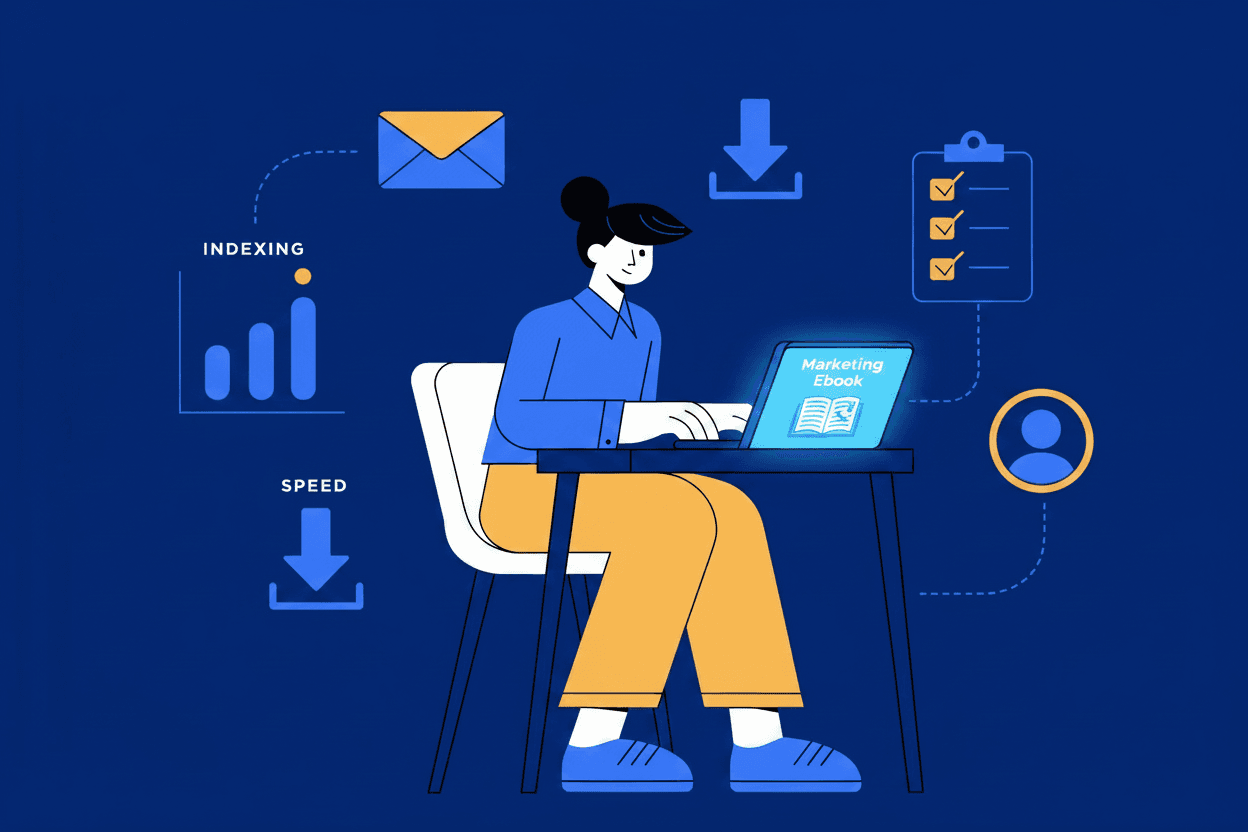
A marketing eBook is a downloadable digital document (usually a PDF) that covers a topic your target audience genuinely wants to know about. Think of it as a long-form guide or practical resource, typically running between 10 and 25 pages, that goes deeper than a blog post could.
Unlike a blog post, which is publicly available and indexed by Google, a marketing eBook is gated. The reader provides their name and email address in exchange for the download. That exchange is the whole point: you give them something genuinely useful, and in return you get a qualified lead. This is someone who has actively raised their hand and said they're interested in a topic closely related to what you sell.
For small businesses in particular, eBooks work well for several reasons. They position you as the expert in your field without requiring you to spend money on advertising. They generate leads passively: once the eBook is live and promoted, it can bring in enquiries around the clock. And they work across almost every sector, from plumbing and construction to legal services, salons, and ecommerce.
The key phrase is "genuinely useful." An eBook that simply restates what anyone could find on Google in five minutes will not convert. One that solves a real problem your customers have, in detail, absolutely will.
The Real Reason eBooks Generate Leads
The mechanics are straightforward, and understanding them helps you design a better campaign from the start.
Most of the people who visit your website are not ready to buy right now. They might be at the research stage, comparing their options, or still working out whether they actually need the service you offer. These visitors leave your site and, in most cases, never come back.
An eBook changes that dynamic. Instead of losing those visitors entirely, you capture their details with the promise of something valuable. From that point, you have permission to stay in touch via email. This means you can nurture those prospects over time, building trust and staying front of mind until they're ready to make a decision.
This is why eBooks pair so well with email marketing. A download is not a sale. But it is the start of a relationship, and with the right follow-up sequence (more on that below), a meaningful proportion of those downloads will eventually become enquiries.
How to Choose the Right Topic for Your eBook
This is where most small business eBooks fail before they're even written. The topic is either too broad ("The Complete Guide to Marketing"), too self-promotional ("Why You Should Hire Us"), or something the business owner found interesting rather than something their customers are actively looking for.
The right topic sits at the intersection of three things: something your ideal customer genuinely wants to know, something closely related to the service you sell, and something specific enough to be truly useful.
A few practical examples by sector:
Trades and home services: "A Homeowner's Guide to Boiler Servicing: What to Expect, When to Book, and What It Costs" or "5 Signs Your Plumbing Needs Attention Before Winter."
Salons and wellness: "A Guide to Maintaining Your Colour Between Salon Visits" or "What to Ask for at Your First Appointment: A Beginner's Guide to Hair Colouring."
Legal and professional services: "Buying a Business in the UK: What You Need to Know Before Signing" or "A Small Business Owner's Guide to Commercial Leases."
Ecommerce: "How to Choose the Right [product category] for Your Needs: A Buyer's Guide."
Notice that none of these are about the business itself. They're about the customer's problem. That's the right framing. You're helping someone make a better decision, and in doing so, you're positioning yourself as the obvious person to call when they're ready.
Also consider where your ideal reader is in the buying journey. Someone at the very top of the funnel, just starting to research a problem, needs educational content. Someone closer to a decision needs something that helps them evaluate their options. Both work, but they lead to different types of eBooks and different conversion timelines.
What to Include in Your eBook (and How Long It Should Be)
A marketing eBook doesn't need to be a masterpiece of design. It needs to be genuinely useful, easy to read, and professional enough that it reflects well on your business.
In terms of length, 10 to 20 pages is the sweet spot for most small business eBooks. Long enough to provide real depth; short enough that someone will actually read it. Anything beyond 25 pages risks becoming the kind of resource people download with good intentions and never open.
Structure to aim for:
- A clear introduction that explains what the eBook covers and what the reader will get from it
- 4 to 8 chapters or sections, each focused on one specific aspect of the topic
- Practical, actionable content in each section rather than high-level advice
- Examples or short case studies where relevant
- A conclusion that summarises the key points
- One or two calls to action (CTAs) within the eBook itself, at the end of a relevant section and in the conclusion, pointing back to your services or inviting the reader to get in touch
For format, PDF is the standard. It's universally readable, maintains your formatting across devices, and feels more substantial than a webpage.
For design, you don't need to hire a professional designer to get started. Canva has eBook templates that are easy to customise, and even a Google Doc exported as a PDF with a clear heading structure and some visual breaks will look professional if the content is strong. Your brand colours, logo, and contact details should appear throughout.
How to Create a Landing Page That Actually Converts Downloads
The landing page is where your eBook campaign either works or doesn't. A weak landing page means low conversion rates regardless of how good the eBook itself is.
Your landing page should have one job: persuading the visitor to fill in the form and download the eBook. Everything on the page should serve that purpose, and nothing should distract from it.
A well-converting eBook landing page typically includes:
- A clear, benefit-led headline that states exactly what the reader will get ("Download our free guide to [topic] and [specific outcome]")
- Three to five bullet points summarising what's inside, framed around the reader's benefit
- A short form asking for name and email address (adding a phone number field will reduce conversions; use it only if phone enquiries are your primary goal)
- A preview image of the eBook cover, which makes the resource feel real and tangible
- A brief sentence or two about why you're the right person or business to be writing this guide, establishing credibility
Keep the page clean. No navigation menus pulling people away, no sidebar links, no unrelated content. The landing page exists for one purpose.
If you're not sure whether your current website setup can handle this, it's worth reading about how to create a landing page that's built to convert.
How to Promote Your eBook and Drive Traffic to It
Once your eBook and landing page are live, you need to get eyes on them. Promotion is where many small businesses give up too early, publishing the eBook and then wondering why nobody downloads it.
Here are the most effective channels for a small business with a limited budget:
Your own website. Add a banner or CTA to your homepage, relevant service pages, and any blog posts that relate to the eBook topic. If someone is reading your blog post on a closely related subject, they are exactly the right person to offer the eBook to.
Your blog. Write a shorter blog post on a topic closely related to the eBook, and use it to promote the download. This is one of the most efficient approaches because the audience is already self-selecting.
Email to your existing contacts. If you have any kind of existing email list or database of past customers, promote the eBook to them. Even if they don't download it, they may share it with someone who does.
Social media. Share the eBook across your business social channels with a clear description of who it's for and what they'll learn. LinkedIn tends to work well for professional services; Facebook and Instagram for trades and consumer-facing businesses.
Google Ads or paid social. If you want to accelerate results, a small paid campaign driving traffic to the landing page can generate downloads quickly. This works particularly well once you have some data on your landing page conversion rate. Our PPC and Google Ads service can help set this up efficiently if you're not sure where to start.
What to Do After Someone Downloads Your eBook
This is the step that most small businesses completely skip, and it's arguably the most important one.
A download is not a lead yet. It's an expression of interest. What converts that interest into an enquiry is what happens next.
Set up a short email sequence to go out automatically after someone downloads the eBook. Most email marketing platforms, including Mailchimp and Klaviyo, make this straightforward to configure. A simple sequence might look like this:
Email 1 (immediate): Deliver the eBook with a warm, personal note. Introduce yourself briefly and tell them why you wrote the guide.
Email 2 (2 to 3 days later): Follow up with one specific, useful insight related to the eBook topic. Keep it short. No selling.
Email 3 (1 week later): Share a case study, example, or common question you hear from people in their situation. Still no hard sell; just continued value.
Email 4 (2 weeks later): A soft invitation to get in touch. Something like: "If you'd like to talk through how this applies to your business, I'm happy to have a quick conversation with no obligation."
The goal of this sequence is to move from being a stranger who sent a PDF to being someone they recognise, trust, and feel comfortable contacting. Four emails over two weeks, all of them useful, is enough to do that for many people.
How to Measure Whether Your eBook Is Working
Track these metrics from the start so you know what's working and what to improve.
Landing page conversion rate. What percentage of people who visit the landing page actually fill in the form? A good eBook landing page typically converts between 20% and 40% of visitors. Below 10% suggests the page or the offer needs work.
Downloads per month. How many people are downloading the eBook? This is a function of how much traffic you're sending to the landing page and how well it converts.
Email sequence open and click rates. Are people reading the follow-up emails? Open rates above 40% and click rates above 5% suggest the sequence is resonating.
Enquiries attributed to the eBook. How many of your actual enquiries came from someone who originally downloaded the eBook? Ask new clients how they first heard about you, and track it in a simple spreadsheet if your CRM doesn't do it automatically.
Cost per lead (if using paid promotion). If you're running ads to the landing page, divide your total ad spend by the number of downloads to get a cost per download. Compare this to other lead generation channels to assess whether it's worth scaling.
How Much Does an eBook Cost to Produce?
The honest answer is that it depends entirely on how you approach it.
If you write it yourself and design it using a free tool like Canva, your cost is time: typically 10 to 20 hours for a well-researched, 15-page eBook. That's a meaningful investment, but the resulting asset can generate leads for years.
If you hire a copywriter to write it, expect to pay anywhere from £500 to £2,000 depending on the length, the topic, and the writer's experience. Add a designer for a polished visual layout and you might be looking at another £300 to £800.
A professionally produced eBook is worth the investment if you have the budget and a clear promotion plan in place. There's little point spending £2,000 on an eBook and then doing nothing to promote it.
For most small businesses starting out, I'd recommend writing it yourself using a template in Canva, getting someone to proofread it, and focusing the majority of your effort on the landing page and email sequence. Those are what actually drive conversions.
For more on using content to generate leads, the post on how to generate leads through content marketing covers the broader strategy that eBooks sit within. And if you're thinking about how this fits into your overall approach, the benefits of content marketing for small businesses is worth a read too.
Conclusion
A well-executed eBook campaign is one of the most effective ways a small business can generate consistent, qualified leads from their website without relying entirely on paid advertising. The key is treating it as a system rather than a one-off project: the right topic, a converting landing page, a follow-up email sequence, and consistent promotion.
Most small businesses that try eBooks and give up do so because they skipped one of those steps. Get all four working together and you have a lead generation asset that runs in the background indefinitely.
If you'd like help making your content work harder for your business, get in touch and let's talk through what's possible.