A small business website has one job: turn the people who find you into enquiries. It doesn't need to win design awards. It needs to load quickly on a phone, make it obvious what you do and where you do it, give people a reason to trust you, and make calling or booking effortless. Most of the small business sites I'm asked to look at fail on one of those four, not on how they look.
I ran a plumbers' merchants for 16 years before moving into digital marketing in 2019, and I now build websites for small businesses and tradespeople, alongside running their SEO and Google Ads. That means I see what happens after launch: which sites bring in work and which quietly lose it. This page is my own route through the decisions, in plain English, with links to the full guides I've written on each one.
If you're planning a new site, read it from top to bottom. If you already have one and it isn't bringing in enquiries, start with the chapter on what makes a website work. These three articles are where most people should start.
Start here
- Should You Hire a Website Designer or Build It Yourself?. The honest framework for DIY versus paying someone, with real UK prices.
- Web Design Best Practices. The things that separate a website that brings in leads from one that just exists.
- How to Create a Landing Page That Converts. How to build the page that turns an ad click or a search into a phone call.
What's in this guide
- The short version: what a small business website needs
- 1. Who should build it, and on what?
- 2. What makes a website bring in enquiries
- 3. Tracking your enquiries
- 4. After launch: getting people to your site
- 5. Websites for trades and salons
- 6. WordPress fixes for DIY site owners
- Where to get help
- FAQ
The short version: what a small business website needs
If you only read one section, make it this one. This is the checklist I build every small business site against, and the one I'd use to judge yours.
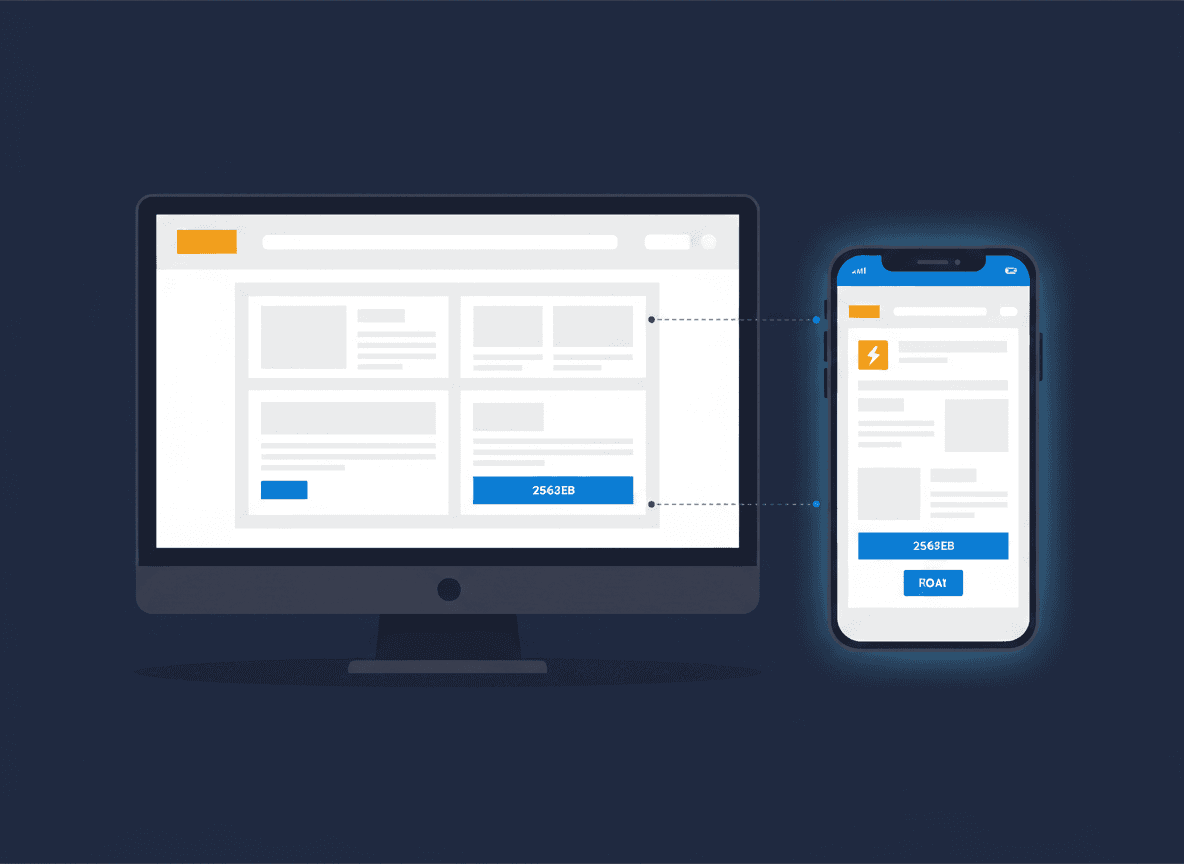
- It works on a phone first. Most local searches happen on a mobile, and Google ranks your site on its mobile version. Design for the phone, then check the desktop.
- It loads quickly. A slow site loses visitors before they've read a word, and it drags down both your rankings and your Google Ads. Oversized images and bloated page builders are the usual culprits.
- It says what you do and where, in the first screen. A visitor should know within a few seconds that you do the thing they searched for, in their area.
- One page per service. A separate page for each main service gives Google something specific to rank and gives the visitor exactly what they came for.
- It earns trust. Real reviews, accreditations, photos of your own work and a proper address or service area. Stock photos and vague claims do the opposite.
- Contacting you is effortless. A tap-to-call number that's always visible on mobile, a short form, and a clear next step on every page.
- You can see what it's doing. Calls, forms and emails tracked, so you know which pages and channels bring in work.
- You own it. Your domain, your hosting account and a platform other people can work on. Being locked into one developer is a problem you only discover when you need a change.
Get those eight right and the design details matter far less. The chapters below take each decision in turn.
| If this sounds like you | Go to |
|---|---|
| I need a new site and don't know who should build it | Chapter 1: who builds it |
| I have a site but it doesn't bring in enquiries | Chapter 2: what makes it work |
| I don't know which pages or ads bring in calls | Chapter 3: tracking |
| My site is live but nobody visits it | Chapter 4: after launch |
| I'm a tradesperson or run a salon | Chapter 5: trades and salons |
| I run my own WordPress site and want to fix something | Chapter 6: WordPress fixes |
1. Who should build it, and on what?
You can build your own website, and for a brand new business on a tight budget, a simple DIY site is a sensible start. Once your website is a real source of new customers, though, a professional build usually pays for itself, because the gap between a site that ranks and converts and one that doesn't is worth far more than the build cost. In the UK, a freelance designer typically charges around £800 to £3,000 for a standard service site, a small specialist agency around £895 to £3,995, and a generalist agency £3,000 to £8,000 or more.
The platform matters as much as the builder. For most small businesses I recommend WordPress: you own it, it's flexible, and if your designer disappears, thousands of others can pick it up. Shopify is the better choice if you're mainly an online shop. What I'd steer you away from is a custom-built CMS that only one developer understands, and a site stitched together from AI-generated code that nobody has checked. Both look fine on day one and cause problems later.
- Should You Hire a Website Designer or Build It Yourself?. A practical framework for DIY versus hiring, covering your time, your skills, how much your revenue depends on the site, where DIY sites fall short on SEO and what each route costs in the UK.
- Why Use WordPress for Your Business Website?. What WordPress is, the genuine benefits for a small business from ownership to SEO, and the downsides (maintenance, security and speed) and how to manage them.
- Why You Shouldn't Have Your Website Built on a Custom CMS. The hidden costs, security risks and dependence on one developer that come with a custom CMS, and what small businesses should use instead.
- What Are Dynamic Websites? A Plain-English Guide for Small Business Owners. The difference between static and dynamic websites, whether your business needs one, and which platform suits which kind of business.
- The Hidden Pitfalls of Building Your Website with AI-Generated HTML. A real case where AI-written page sections made a site take over 40 seconds to load on mobile, what AI code commonly misses and what to check on your own site.
2. What makes a website bring in enquiries
A good-looking website and a website that works are not the same thing. The sites that bring in enquiries have a few things in common: they're built for mobile first, they load quickly, every page has an obvious call to action, the structure makes sense to both visitors and Google, and there's real proof that you're good at what you do. Most of that is structure and content, not design flair.
Speed deserves special mention because it's so often invisible to the owner. A site can look perfect on your office broadband and take ten seconds to load on a phone in a car park. Page builders are a common cause: they wrap every element in layers of extra code, which is what Google's "excessive DOM size" warning is about. And if you're paying for Google Ads, the page each ad points to matters more than any other, so send ad clicks to a focused landing page rather than your homepage.
- Web Design Best Practices: What Actually Makes a Website Work for Your Business. Nine practices that separate a site that converts from one that doesn't, from mobile-first design and page speed to calls to action, trust signals and SEO built into the structure.
- How to Make Your Website Mobile-Friendly. Six practical steps from responsive design and speed to touch-friendly buttons and mobile forms, how to test your site, and when a redesign makes more sense than a fix.
- What Is DOM Size and Why Does It Slow Down Your Website?. What the DOM size warning means, how page builders, plugins and mega menus cause it, how to reduce it, and a free calculator to check any page.
- How to Create a Landing Page That Converts. The anatomy of a high-converting landing page, an eight-step build from a single goal to testing, the mistakes that kill conversions and where to host it.
3. Tracking your enquiries
If you can't see which pages and channels bring in calls and forms, you can't tell whether your website, your SEO or your ads are paying. At a minimum, track phone number taps, email clicks and form submissions as key events in Google Analytics 4, and import them into Google Ads if you advertise. Test each one after you set it up, because a lot of tracking that looks installed doesn't actually fire.
Two common snags: GA4's automatic tracking no longer picks up phone and email link clicks, and some forms submit in the background without reloading the page, so the standard Google Tag Manager form trigger never sees them. The two guides below fix both, for Shopify and for the Avada WordPress theme. For the ads side, see my guide to Google Ads conversion tracking.
- How to Track Phone Clicks, Email Clicks and Form Fills in GA4 on Shopify (Without GTM). A single theme script that tracks phone clicks, email clicks, contact forms and newsletter sign-ups in GA4 on Shopify, how to verify it and how to import it into Google Ads.
- How to Track Avada Fusion Form Submissions in Google Tag Manager. Why the standard GTM form trigger misses Avada forms, and a step-by-step fix using the Element Visibility trigger.
4. After launch: getting people to your site
The most common mistake I see is treating launch day as the finish line. A website on its own does nothing: it has to be found. For most small businesses that means SEO for steady, long-term enquiries, Google Ads when you need the phone ringing now, and a Google Business Profile that links to the right pages. Email and social media help you stay in touch with people who already know you.
Before you spend anything on marketing, though, make sure the site is ready to convert the visitors you send it. Paying to send people to a slow page with no clear next step is the fastest way to decide that marketing doesn't work. My small business guide to SEO and small business guide to Google Ads cover each channel in depth.
- Website Marketing: A Complete Guide for Small Businesses. Why your website has to work before you market it, the main channels from SEO and Google Ads to email and remarketing, which to start with and how to build a strategy.
5. Websites for trades and salons
The checklist at the top applies to everyone, but some businesses have their own priorities. For a tradesperson, the phone call is everything: a tap-to-call button that stays on screen, accreditations such as Gas Safe or NICEIC in plain sight, and a separate page for each service and emergency. For a salon, online booking and a gallery of your own work do most of the selling. These guides apply the principles to each.
Trades
- How Much Does a Plumber's Website Cost in the UK?. Honest UK prices across four routes, from DIY builders to specialist agencies, what drives the cost and what to budget for after launch.
- 10 Best Plumbing Website Designs (and Two Bad Ones). Ten UK plumbing websites worth learning from, two that aren't following best practice, and what the ideal plumbing website needs.
- How to Create a High-Converting Plumbing Landing Page. A ten-step guide to a landing page that turns a late-night emergency search into a phone call, and the mistakes that lose it.
- Web Design for Electricians. What makes an electrician's website convert: a sticky tap-to-call bar, the trust signals that matter for electrical work and the mistakes that quietly cost you leads.
For everything else a trade business can do to win work, see my complete guide to marketing for tradespeople.
Salons
- How to Create a Salon Website That Attracts Clients and Fills Your Books. Five decisions to make before you start, an eight-step build from domain to online booking, the pages a salon site needs and what it costs.
6. WordPress fixes for DIY site owners
If you run your own WordPress site, these are two small fixes I've needed on client sites and couldn't find working answers for elsewhere. Both are short code snippets rather than extra plugins. Add code like this to a child theme or a code snippets plugin, never the parent theme, and take a backup first.
- How to Enable SVG Uploads in WordPress Without a Plugin. A working code snippet (the top-ranking one is broken), why the common version fails, what each part does and a note on security.
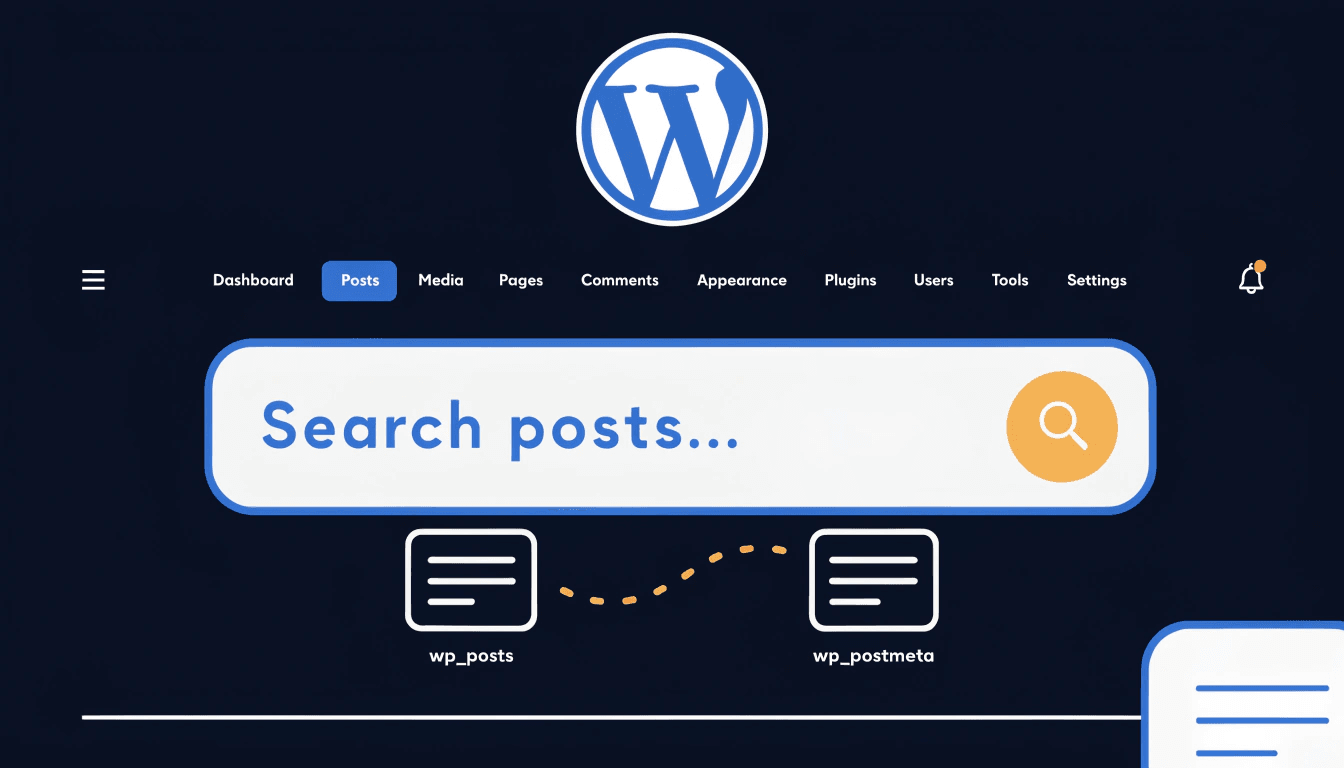
- Enable Custom Field Search in WordPress Admin (No Plugin). A small functions.php addition that lets WordPress admin search find values stored in custom fields, such as ACF fields and WooCommerce SKUs.
Where to get help
If you'd rather hand your website over to someone who builds sites to bring in enquiries, this is how I can help.
- Web design. Fast, mobile-first websites built to rank and convert, from £895 plus VAT as a one-off cost, with the copy written for you and no long-term contract.
- Marketing for trades. Websites, SEO and Google Ads for plumbers, electricians, roofers, builders and heating engineers.
- SEO services. Getting your new or existing site found on Google, with AI search included.
- Google Ads management. Sending the right people to the right pages from day one.
My other guides cover the rest of getting found online: the small business guide to SEO, the small business guide to Google Ads and the small business marketing guide.
FAQ
How much does a small business website cost in the UK?
A DIY builder costs roughly £12 to £50 a month plus your time. A freelance designer typically charges £800 to £3,000 for a standard service site, a small specialist agency around £895 to £3,995, and a generalist agency £3,000 to £8,000 or more.
Should I build my own website?
If your business is new, money is tight and the site is a simple brochure, DIY is a reasonable start. Once your website is a main source of new customers, or you want to rank for competitive searches, a professional build usually pays for itself.
Is WordPress good for a small business website?
For most small businesses, yes. You own it, it's flexible and SEO-friendly, and plenty of people can work on it. It needs regular updates and some attention to speed and security. If you mainly sell products online, Shopify is often the better fit.
How many pages does a small business website need?
Enough for a homepage, a page for each main service, an about page, a contact page and somewhere to show reviews and your work. For a local service business that is often five to ten pages to start, adding more as you add services or areas.
Why isn't my website bringing in enquiries?
Usually it's one of three things: nobody is finding it, it's slow or awkward on a phone, or it doesn't make the next step obvious. Check your traffic first, then test the site on your own phone as if you were a customer.
Want a website that brings in work?
If you're planning a new site, or your current one isn't pulling its weight, get in touch and tell me what you do and where you work. I'll give you an honest view of whether it needs a rebuild or just a few fixes. Or see how my web design packages work.